• How to turn my WINDOWS pc on using wol?

    5
    0 Votes
    5 Posts
    4k Views
    RussR
    @Marcelo-Botelho, you don't need to use the computer_on_off.sh. That's a complicated scenario, so you should not start there. You have two computers, and you're trying to use one computer to turn on the other computer, correct? My video shows me using a Raspberry Pi to turn on my Windows computer, but you don't have to use a Raspberry Pi. If you have two Windows computers, you could use this utility instead: https://www.nirsoft.net/utils/wake_on_lan.html WakeMeOnLan.exe has a spanish version, and a GUI which can make it easy to test, then after you get that working, you can make a TRIGGERcmd command like this: c:\tools\WakeMeOnLan.exe /wakeup 40-65-81-A7-16-23 This assumes you copied the WakeMeOnLan.exe utility into t:\tools and 40-65-81-A7-16-23 is the mac address of the nic in the computer you're turning on. You can find the mac address by typing ipconfig /all on the computer you want to turn on. You'll get output like this: Ethernet adapter Ethernet: Connection-specific DNS Suffix . : lan Description . . . . . . . . . . . : Realtek PCIe GbE Family Controller Physical Address. . . . . . . . . : **C4-65-26-2A-93-97** ...
  • How can I shutdown PC?

    11
    0 Votes
    11 Posts
    27k Views
    RussR
    @Ivan-Freitas, I posted a mac solution here in the mac section.
  • 0 Votes
    33 Posts
    11k Views
    RussR
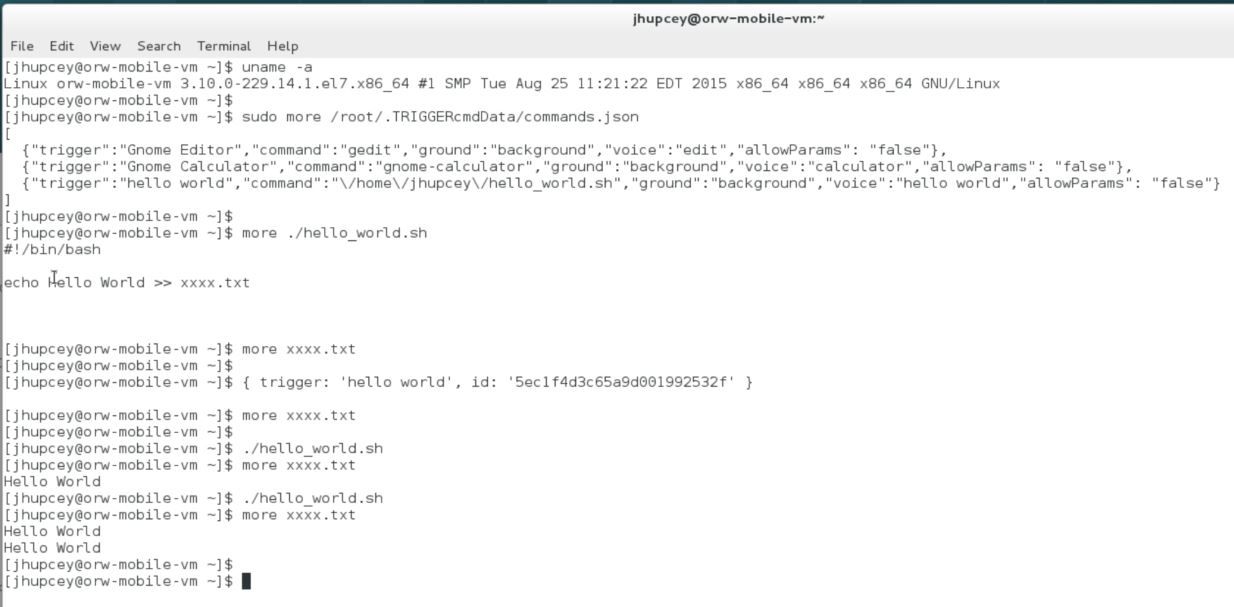
    @Joe, 1 - Only Foreground Triggers work in a user's regular account - because the background service only runs as root and uses /root/.TRIGGERcmdData. 2 - Root can support both Foreground and Background Triggers - because you can install the background service (see #1), and because you can login as root and run the agent in foreground mode. 3 - But running Triggers as Root will mask/override all the Triggers in your regular account - I wouldn't say mask/override, it's just separate as you covered in #4. Running the agent as root will create another separate computer entry in your account associated with /root/.TRIGGERcmdData. That computer will be named the same initially, but you could rename it. 4 - The exception to (3) is if you can instantiate two "Computers" -- one pointing to Root for the "Background", and a separate "Computer" pointing to your normal Linux account to support the "Foreground" - correct, although as you pointed out in #2, you could also run the foreground agent as root. You create a separate computer just by running the agent as the other user. If the ~/.TRIGGERcmdData directory doesn't exist, the agent will prompt you for a token, create a computer record in your account, and store the ID for that computer in the computerid.cfg file. Different Linux accounts could setup different computer records, or you could give everyone sudo access to be able to edit /root/.TRIGGERcmdData/commands.json to run background command via the background agent. The agent stores the .TRIGGERcmdData directory in the home folder of the user running the agent. The files in that directory are the key point of connection to the mother ship. Good questions @Joe.

  • TRIGGERcmd - Your command didn't run

    2
    0 Votes
    2 Posts
    550 Views
    RussR
    @Michael-Murphy, thank you for reporting this. I was actually worried people were getting that email when they shouldn't, but you're only the second first person to report it, so thank you! If thought the first person's issue was a one-off, but apparently not. I think fixed it just now, but anyway I decided to make it an opt-in feature instead of emailing by default. Now you'll see this checkbox in your profile, and it's unchecked by default: [image: 1590713174710-0583d88f-2e1c-4942-9e9d-3e26a020fe30-image.png]
  • SmartApps

    6
    0 Votes
    6 Posts
    1k Views
    RussR
    Awesome @mikeraineri.
  • 0 Votes
    4 Posts
    1k Views
    RussR
    @mikey186, thanks. I'll fix that. EDIT: Fixed.
  • Feature request: move [params] to a different spot

    feature request
    7
    0 Votes
    7 Posts
    2k Views
    M
    @Russ well never mind, I manage to find a workaround. But I would hope to see a advantage to move the PARAMs and/or more PARAMs in the future. It would be interesting.....
  • Trigger to enter pin on login

    3
    0 Votes
    3 Posts
    1k Views
    F
    @VeepuEco try this example: https://www.pcworld.com/article/3100057/how-to-remove-your-login-password-from-windows-10.html i use this. the computer have password, but when you lok the pc and need to unlok you need to put password. but on start you don't need to put password. so if you have this option on and when talk with google assistent to power pc on, the pc enter on windows without password in my case but i dont know how to setup my google home to turn on my pc ps: sorry my english. i dont talk and write english very much
  • Raspberry Pi set commands

    8
    0 Votes
    8 Posts
    2k Views
    RussR
    @Oliver-Oßwald, awesome.
  • Kaspersky Detects TriggerCMDAgent.exe as Win32.BSS.ScreenLock

    7
    0 Votes
    7 Posts
    1k Views
    RussR
    @Lewis-S, I see a "Apply always" option on your screenshot. That might prevent it from deleting the .exe. You could also exclude that folder from scans.
  • Two versions of commands.json on Pi 4

    2
    0 Votes
    2 Posts
    631 Views
    RussR
    @meetb, the commands.json file gets created in the home folder of the user who runs the agent. On a Raspberry Pi I generally run the background service (daemon) as root because I'm dedicating the Pi to be a garage door opener, PiHole, or using it to wake up my PC. So I use /root/TRIGGERcmdData/commands.json and all of my commands have ground = background. It's possible though that you might want to run X-Windows on your Pi and run the agent in foreground mode as pi, in which case you'd use the commands.json in pi's home folder. Your commands.json file will be restored if the agent detects a problem in the json format, like a comma on the last entry, or if you forget to escape a quote or backslash. It restores the last valid commands.json file it had.
  • 0 Votes
    2 Posts
    516 Views
    RussR
    @meetb, I just tested using both the original Alexa skill (Alexa, ask TRIGGERcmd to run Calculator on PC), and the newer Smart Home Alexa skill (Alexa turn on Calculator on PC). Both skills worked for me. PC is a shared computer from another account. So I have some questions: What exactly are you saying to Alexa? Have you verified your computer's voice name matches what Alexa is hearing? You can use https://alexa.amazon.com to see what Alexa is hearing. In my case, for the original skill to work I had to make the voice name "p. c." because at https://alexa.amazon.com I saw this: Alexa heard: "alexa ask trigger c. m. d. to run calculator on p. c."
  • Error website

    7
    1
    0 Votes
    7 Posts
    1k Views
    RussR
    @krl69, what is your browser's language? It might be a bad redirect for your language. Thank you for telling me about this. I need to fix it. Can you get to these links? https://www.triggercmd.com/user/auth/signup https://www.triggercmd.com/user/auth/login Where do you live (in the world)? Also, can you send me that full URL? The q=... value got cut off. That might give me a clue about what's going on.
  • Backup And Migrate Trigger Commands

    3
    0 Votes
    3 Posts
    929 Views
    A
    @Russ said in Backup And Migrate Trigger Commands: ~/.TRIGGERcmdData/commands.json Thank you!
  • How to run a .jar file on linux with TRIGGERcmd?

    2
    0 Votes
    2 Posts
    475 Views
    RussR
    @Pietro-Gonçalves, do any of your commands work? I suspect the problem might be that you set the command to be a background command? If you do that, your commands will run in the foreground via GUI editor, and they'll run the background when you run them remotely. You also have to have the background agent installed for background commands to run remotely.
  • Alexa says I have to say "turn OFF {command}" only

    2
    0 Votes
    2 Posts
    748 Views
    RussR
    @MikeH_Iver, the TRIGGERcmd Smart Home skill only allows turn on and turn off, but you can create an Alexa routine if you want to say something else. You can say whatever you want that will trigger your routine, and your routine will turn the TRIGGERcmd device on or off.
  • disable voice reply

    3
    0 Votes
    3 Posts
    678 Views
    Rohit PaiR
    Cheers, I'll try this out
  • tcmd command line tool - error

    3
    0 Votes
    3 Posts
    739 Views
    S
    OK - I solved my issue. I was using nano file editor to create token.tkn file. I would then paste the token into the first line and save using CTRL-O. It failed with the above error. I tried creating the file with cat > token.tkn and pasting the token followed by CTRL-D. It now works fine. So nano must be putting some invalid character at the end of the pasted token string that 'tcmd' can't deal with. Maybe 'tcmd' could be updated to check for this? Thanks!
  • Android widget text label and vertical position oddities

    2
    2
    0 Votes
    2 Posts
    807 Views
    RussR
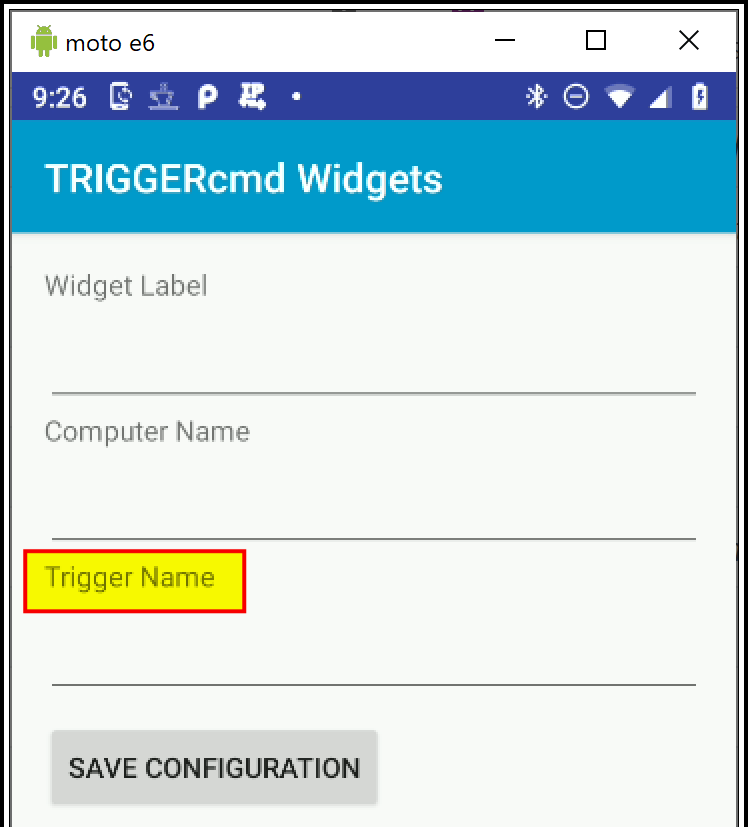
    @CheddarLifeForm, I'm sure I can move the text below the icon within the widget. I'll do that and see if that helps. EDIT: I created a new version (v1.0.7) but I'm waiting for Google to review it. The new version includes your other request too - it has a pulldown to select a trigger from your account instead of having to type it in.
  • 0 Votes
    2 Posts
    1k Views
    RussR
    @CheddarLifeForm, yes that's a reasonable ask. I like the idea of a list to pick from better than using the voice names. I'll work on it.