• remove profile

    General Discussion
    1
    0 Votes
    1 Posts
    211 Views
    No one has replied
  • Subscription Cancel

    General Discussion
    8
    0 Votes
    8 Posts
    2k Views
    RussR
    @Sreehari-J, I see your subscription in Paypal. Do you want me to cancel it?
  • Macro to enter text

    General Discussion
    6
    0 Votes
    6 Posts
    614 Views
    RussR
    @zedsyd4-EZ, great, I'm glad that worked.
  • Subscription for 1 pc only

    General Discussion
    2
    0 Votes
    2 Posts
    289 Views
    RussR
    @zedsyd4-EZ, sorry no. The system is built to understand subscribed, or not subscribed, and subscribed means multiple PC's and multiple commands per minute.
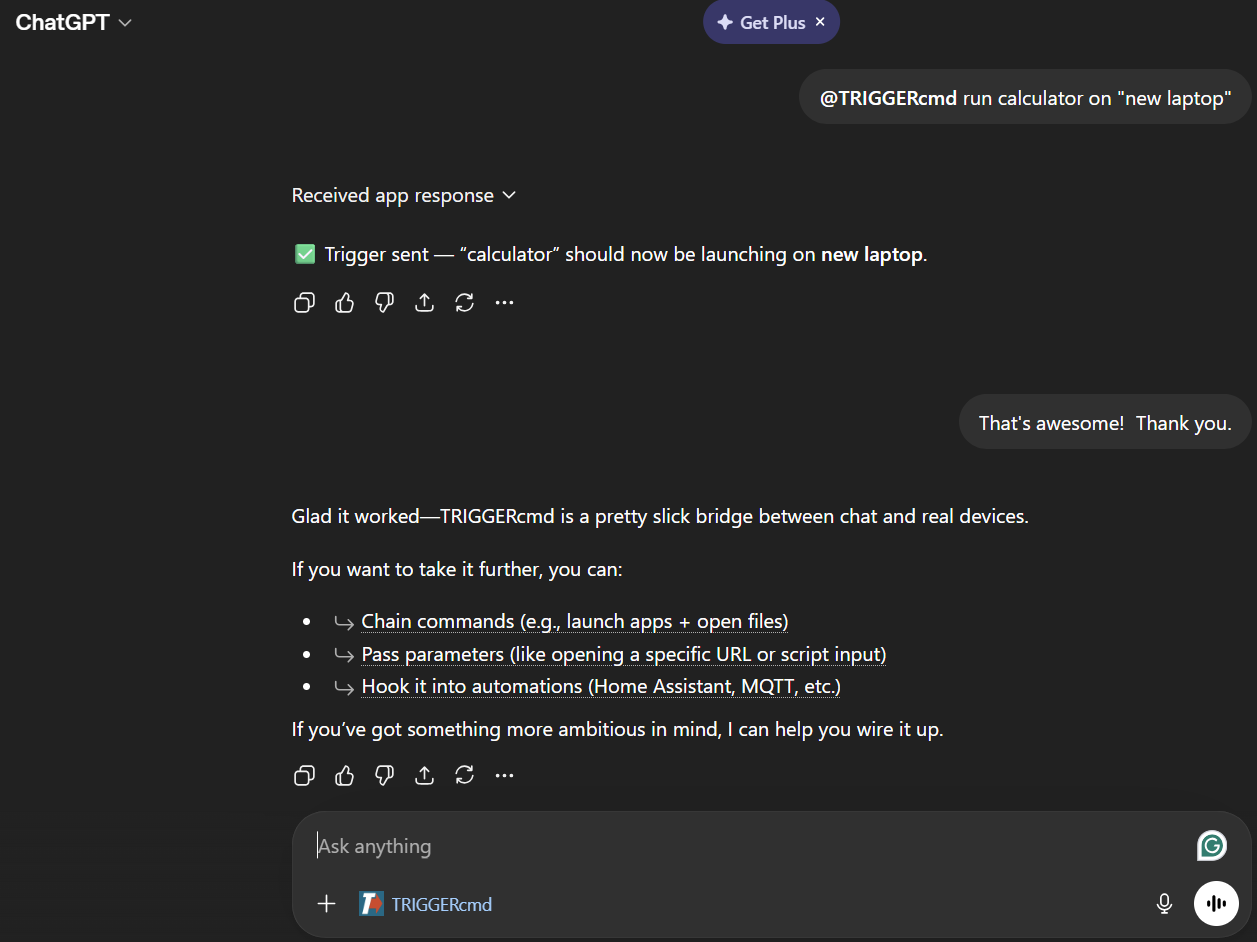
  • TRIGGERcmd ChatGPT app is live

    Announcements
    1
    1
    0 Votes
    1 Posts
    426 Views
    No one has replied
  • 0 Votes
    1 Posts
    244 Views
    No one has replied
  • 0 Votes
    1 Posts
    338 Views
    No one has replied
  • 0 Votes
    2 Posts
    390 Views
    RussR
    @Yoni, thank you for reporting this. Please try again. It should work now.
  • 0 Votes
    2 Posts
    588 Views
    RussR
    @Alisson-Teixeira, I translated that as: "I would like to know if it's possible to turn off the monitor and the computer at the same time with just one command? In the free version? With the example command, the monitor enters power saving mode, but doesn't turn off completely... Question for Windows please" You can run multiple commands in one command by putting && between commands, like this: nircmd.exe monitor off && shutdown /s /t 10
  • TRIGGERcmd Misson Control app

    Windows
    1
    1
    0 Votes
    1 Posts
    251 Views
    No one has replied
  • Created new account on the same PC

    Alexa
    2
    0 Votes
    2 Posts
    517 Views
    RussR
    @Guilherme-Matos, I tried it. When I ran the TRIGGERcmd Agent in the other user account on my computer, the token prompt did show up, but I had to click the agent's icon at the bottom of the screen because it was behind my browser. I had to bring it to the front. If you don't get an icon at the bottom, let me know, and please tell me whether you're using the latest version. I'm running version 1.0.56 which I'm about to release. I added an emoji icon picker for commands.

  • Claude SKILL.md

    MCP
    1
    0 Votes
    1 Posts
    472 Views
    No one has replied
  • Turn PC on/off

    Windows
    4
    0 Votes
    4 Posts
    1k Views
    RussR
    @Rodney-Mathee, I'm glad you told me it's wifi, not wired ethernet. That changes things. For one, that WakeMeOnLan.exe tool from Nirsoft won't work because it doesn't support wireless networks. I've never tried "wake-on-wlan" but in theory it's possible with the right hardware. https://documentation.ubuntu.com/core/explanation/system-snaps/network-manager/how-to-guides/configure-the-snap/wake-on-wlan/
  • How to run commands from Home Assistant

    Pinned Moved Home Assistant
    15
    3
    0 Votes
    15 Posts
    15k Views
    RussR
    @Andru, thanks for the idea. I'll look into it.
  • Abort shutdown

    Windows
    5
    0 Votes
    5 Posts
    1k Views
    H
    @Jhon-Piñeres The answer is probably found elsewhere since you asked your question, but because this was the first thread i found i think i post my solution here: Command for shutting down: shutdown /s /t 120 I choose 2 Minutes because thats the a longer time i need to leave but so normaly enough time to stop if i forgot something. Off Command: shutdown /a Now i can tell my alexa to shut down my pc, by switching on shutdown, but i have also 2 minutes to cancel the shutdown by telling alexa to turn off shutdown.
  • Trigger for standby (Alexa)

    Windows
    4
    0 Votes
    4 Posts
    833 Views
    RussR
    @Lokilator nice, I've used the shutdown command in the past. I haven't seen that one.
  • Limit of triggers in the free option?

    Linux
    4
    0 Votes
    4 Posts
    791 Views
    RussR
    @Pepe-Tops , good to know. I'll test and fix that if I can reproduce it.
  • Apple Silicon / Rosetta 2 being discontinued.

    Mac
    2
    0 Votes
    2 Posts
    730 Views
    RussR
    @Matt-Packwood, I thought I did produce an Apple Silicon version. Are you saying this version isn't an Apple Silicon version? https://agents.triggercmd.com/TRIGGERcmdAgent-arm64.dmg
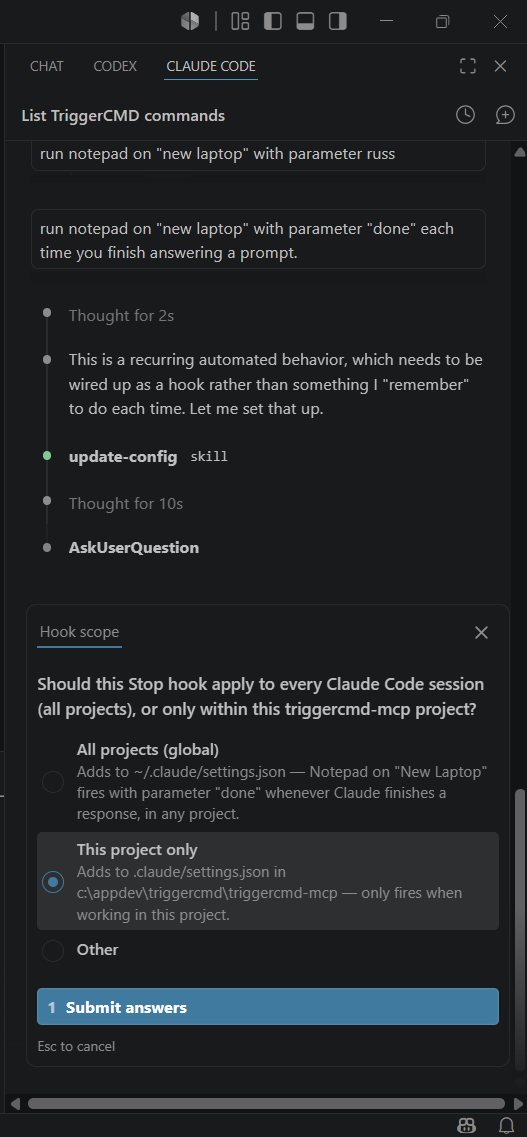
  • CLAUDE.md to use local AI model

    General Discussion
    1
    0 Votes
    1 Posts
    2k Views
    No one has replied
  • 0 Votes
    3 Posts
    651 Views
    Carol ClarkC
    This is one of those old-fashioned Windows batch bugs that only manifests after interactive operations are discontinued. Your.bat is launched in a non-interactive session by TRIGGERcmd. Even if you say "foreground," there isn't a true console connected, so anything that thinks it's a tty may silently misbehave. The reason your script gets beyond taskkill but never reaches the restart is because TIMEOUT is infamous for its ability to either quit instantly or block strangely when there is no interactive terminal. it also explains why there isn't a window: Unless you specifically force a visible cmd.exe session, TRIGGERcmd is not generating one. Avoiding TIMEOUT in this situation is the solution. It spins up its own process with a suitable wait handle, thus wrapping it with start/wait works. For the same reason, ping 127.0.0.1 -n X works; console state is irrelevant. If you really want to view output, using cmd /c or cmd /k manually is a good alternative. Additionally, ensure that the program.exe is launched using the whole path rather than just the working directory. Since C:\Windows\System32 is often used as cwd when triggers execute, relative paths will fail silently. In summary, it's not a TRIGGERcmd problem or a permissions issue. Batch + non-interactive Windows execution is used. It will act the same as if you ran it locally if you change the TIMEOUT and use complete paths.