• How to use Off Command

    Instructions
    30
    0 Votes
    30 Posts
    68k Views
    RussR
    @Yoni, thanks for letting me know. I'll make it case-insensitive in the next version.
  • Auto-Email - >1 Command?

    Instructions
    6
    0 Votes
    6 Posts
    2k Views
    Ron HoskinsR
    @Russ Got it sorted. I created a "toggle" in HA and I simply had an automation that turned the toggle back off (after 5 seconds) and it executed the command again. Thanks much for the help!
  • Spam mails everyday

    Instructions
    2
    1
    0 Votes
    2 Posts
    844 Views
    RussR
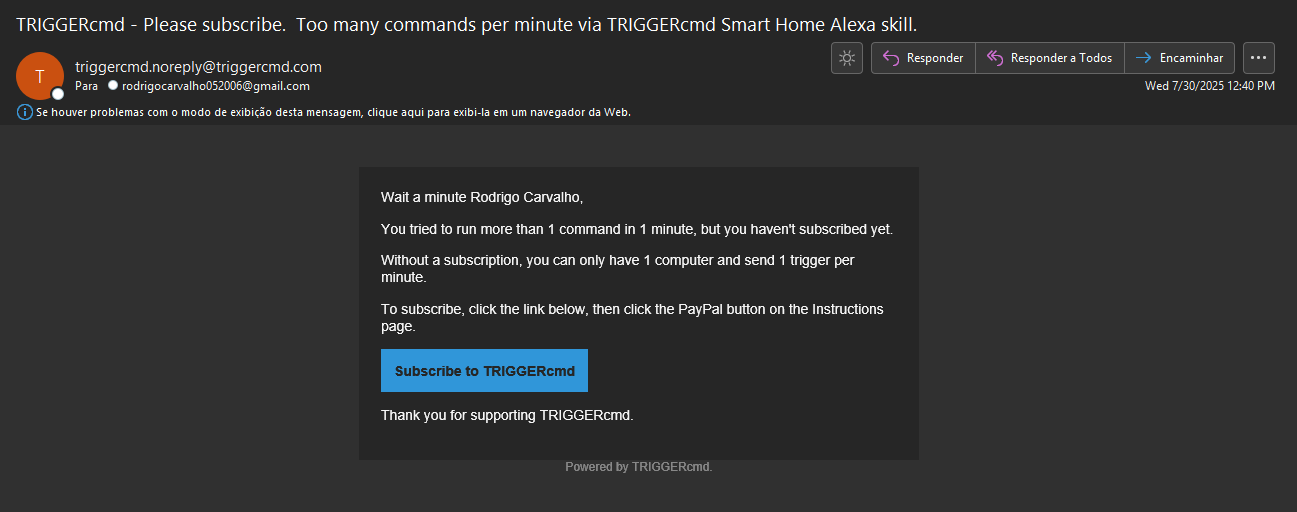
    @Rodrigo-Carvalho-0, those emails are meant to tell users who don't have a TRIGGERcmd subscription why their command didn't run. You must have an Alexa routine that's trying to run multiple commands every hour. Could you disable or delete that routine? Otherwise, I could add an option in your profile page for non-subscribers to disable those emails - they'll just silently fail because you're not subscribed and you're trying to run multiple commands in 1 minute.
  • 0 Votes
    3 Posts
    1k Views
    C
    @Russ I got it. The issue was due to that I havent gotten really logged in, for some reason after clicking the validation link it showed like I was logged in. I logged off and input my credentials again and I could find averithing in place. Thanks
  • Computador off no site

    Instructions
    4
    0 Votes
    4 Posts
    1k Views
    RussR
    @Viniciusmbs, de nada.
  • Trigger Home assistant

    Instructions
    2
    0 Votes
    2 Posts
    1k Views
    RussR
    @Viniciusmbs, I'm glad you asked because I've been working on the official Home Assistant integration for TRIGGERcmd. It's almost ready. I'm just waiting for this pull request to get merged: https://github.com/home-assistant/core/pull/121268 In the meantime, you could use this method.
  • No option to add commands

    Instructions
    2
    1
    0 Votes
    2 Posts
    1k Views
    RussR
    @carvalhoalvez you can only add commands using the agent software you install on your computer. You'll find the download links on the Instructions page or on the triggercmd.com home page.
  • Formatei o PC

    Instructions
    4
    0 Votes
    4 Posts
    2k Views
    V
    @Russ Então vou ter que refazer todos os comandos. Ninguém que formata o PC vai se lembra disto. E eu fiz login na conta meu PC antigo está la com todos o Trigger tem como pelo menos copiar os comandos
  • 0 Votes
    2 Posts
    4k Views
    V
    @Russ como posso efetuar este comando o powershel? start microsoft-edge:https://www.xbox.com/pt-BR/play/launch/forza-horizon-5-edição-padrão/9NKX70BBCDRN $wshell = New-Object -ComObject wscript.shell; $wshell.AppActivate('edge') while ($true) { Sleep 2 $wshell.SendKeys('{f11}') exit } exit
  • command solution

    Instructions
    9
    0 Votes
    9 Posts
    3k Views
    RussR
    @h6477801471 , I answered you here: https://www.triggercmd.com/forum/topic/2725/monitor-control-command-issue/2
  • 0 Votes
    3 Posts
    1k Views
    Jonathan CastilloJ
    @Russ Muchas gracias, ahora funciona a la perfección!
  • Manually set Params

    Instructions
    2
    0 Votes
    2 Posts
    1k Views
    RussR
    @Robbie-Hoskins, if you leave the Off Command field blank, the command in the Command field will run with on or off as the parameter depending on whether you say "turn on" or "turn off." If you don't want to use the on/off parameters, you could fill in the Off Command field. Then it will run the command in the Command field when you say "turn on" and the command in the Off Command field when you say "turn off." Here's an example where I'm running two completely different commands for on and off. [image: 1678549529805-89ca17b5-100e-4ec0-8c37-07c9862e1408-image.png] I hope this answers you question, but I'm not sure.
  • WINDOWS settings to Alexa

    Instructions
    2
    1
    0 Votes
    2 Posts
    1k Views
    XanderX
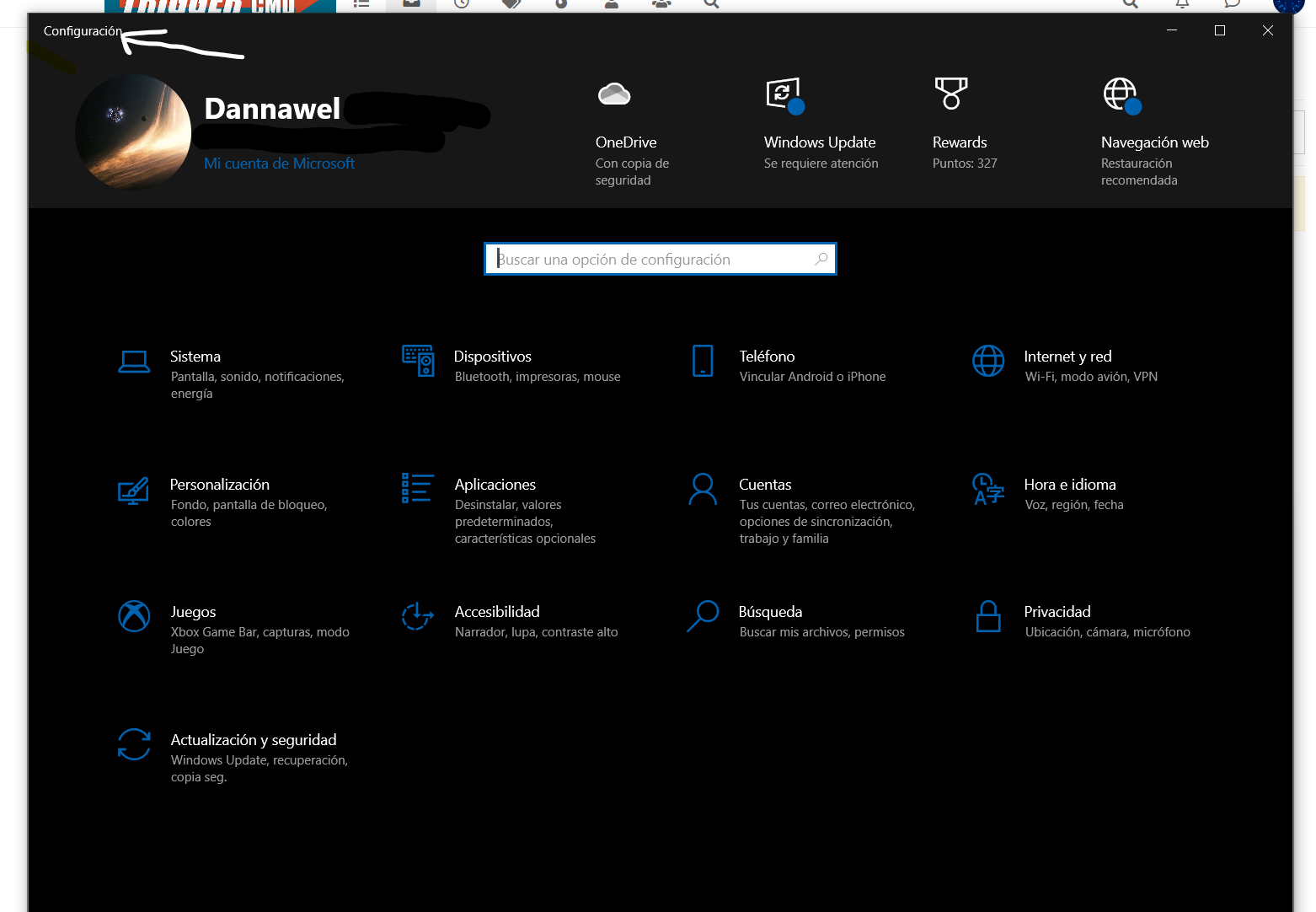
    Set your command to ms-settings: Google can find you a list of sub commands (e.g. ms-settings:network) for any specific sections.
  • 0 Votes
    23 Posts
    49k Views
    Alê 滝口A
    @Russ thank you !!!
  • Subscription Cancelled in 5 days....

    Instructions
    5
    1
    0 Votes
    5 Posts
    2k Views
    RussR
    Sorry @hdegenaro, I saw this and forgot to respond. You can say Alexa, ask TRIGGERcmd to open X if you use the TRIGGERcmd, TRIGGER command, or TC skills. This page shows the sentence format for those skills. You can say, Alexa turn on X if you use the newer TRIGGERcmd Smart Home skill. This page shows the "Smart Home" skill sentence format. Also, if you use an Alexa routine, you can use any word or phrase you want. For example I say, Alexa, open sesame to open my garage using a routine that translates "open sesame" to "ask TRIGGERcmd to run russ on garage" so it runs the command on my Raspberry Pi that opens my garage via the TRIGGERcmd skill.

  • i need how to setup Wake on Lan on Windows 10

    Instructions
    1
    0 Votes
    1 Posts
    677 Views
    No one has replied
  • 0 Votes
    38 Posts
    33k Views
    JTJ
    @Russ thanks for coming up with a solution so quickly. I followed your instructions and I am up and running again!
  • 0 Votes
    4 Posts
    2k Views
    RussR
    @Antonio-Francisco-S-Santos said in Testing: triggering from Alexa app on Android phone doesn't work for me.: Olá Amigo, também estou tentando executar um aplicativo no meu celular android com a Alexa mas não tive êxodo, Alguém poderia nos ajudar? I used Google Translate to translate that as, "Hello Friend, I am also trying to run an application on my android phone with Alexa but I had no exodus, could anyone help us?" I just tested this on my own Android phone. I opened the Alexa app and tapped this Alexa icon: [image: 1674409850621-d5986b15-2b38-409f-b07a-34dcc5802cd3-image.png] Then I said one of the sentances shown in the Smart Home Voice Commands page, "Alexa, turn on calculator on family" and the command ran on my computer. Please confirm you've enabled the Smart Home version of the Alexa app. If not, that might be the problem. You might have enabled one of the non-Smart Home versions which are not as easy to use.
  • 0 Votes
    1 Posts
    834 Views
    No one has replied
  • 0 Votes
    1 Posts
    859 Views
    No one has replied