Subcategories

  • MCP for AI tools that use LLM's

    7 Topics
    12 Posts
    RussR
    You could have Claude run a command each time it finishes a prompt. [image: 1784598164856-73e757cb-665d-49b4-ad47-dda84fd43988-image.png] One idea: turn a light green when it's finished, and turn it red when it's working on something. I tend to use the notepad command when I test parameters. [repo path]\.claude\settings.json: { "hooks": { "UserPromptSubmit": [ { "hooks": [ { "type": "mcp_tool", "server": "triggercmd", "tool": "run_command", "input": { "computer": "New Laptop", "command": "Notepad", "parameters": "started" } } ] } ], "Stop": [ { "hooks": [ { "type": "mcp_tool", "server": "triggercmd", "tool": "run_command", "input": { "computer": "New Laptop", "command": "Notepad", "parameters": "done" } } ] } ] } }

  • 7 Topics
    25 Posts
    RussR
    @Andru, thanks for the idea. I'll look into it.
  • API's to TRIGGERcmd

    5 Topics
    10 Posts
    RussR
    @Fabio, are you able to run your script as a TRIGGERcmd command yet? You can run it with a command like this: python3 c:\folder\pyautogui-position\script.py
  • 11 Topics
    63 Posts
    Nuno GomesN
    @Russ It´s working. Thank You.
  • 44 Topics
    157 Posts
    RussR
    I made this video to describe the new feature: https://www.youtube.com/watch?v=NKWxyIQT4G8 More info here: https://www.triggercmd.com/forum/topic/3373/new-computer-device-option-for-triggercmd-smart-home-alexa-skill-users?_=1786117895659 Enable Wake-On-Lan in your BIOS or UEFI. Enable Wake-On-Lan in the Agent. [image: 1786121269959-c15bdc1e-8cf9-43e2-adb8-81634841b4d7-image.jpeg] Enable the computer Alexa smart home device. [image: 1786121340761-aca55542-60b1-4f3f-b808-384b094dcb38-image.jpeg]
  • 22 Topics
    144 Posts
    RussR
    @Matt-Packwood, I thought I did produce an Apple Silicon version. Are you saying this version isn't an Apple Silicon version? https://agents.triggercmd.com/TRIGGERcmdAgent-arm64.dmg
  • 24 Topics
    125 Posts
    RussR
    @Pepe-Tops , good to know. I'll test and fix that if I can reproduce it.
  • 30 Topics
    217 Posts
    RussR
    @Hannibal I see an error in the json. There should be a quote (") at the beginning of the word background.
  • 53 Topics
    196 Posts
    RussR
    @Lokilator nice, I've used the shutdown command in the past. I haven't seen that one.
  • 0 Votes
    1 Posts
    2k Views
    No one has replied
  • List of ways to trigger your commands

    Pinned trigger methods
    7
    2 Votes
    7 Posts
    82k Views
    RussR
    @tal-sabadia I don't see why not. EDIT: If you're wondering if you can use the Hebrew language, no - Alexa and Google assistant don't support that yet.
  • FAQ

    Pinned
    1
    0 Votes
    1 Posts
    5k Views
    No one has replied
  • Warning: Don't have multiple computers with the same name

    Pinned Moved
    1
    0 Votes
    1 Posts
    1k Views
    No one has replied
  • How to use Off Command

    30
    0 Votes
    30 Posts
    63k Views
    RussR
    @Yoni, thanks for letting me know. I'll make it case-insensitive in the next version.
  • Auto-Email - >1 Command?

    6
    0 Votes
    6 Posts
    1k Views
    Ron HoskinsR
    @Russ Got it sorted. I created a "toggle" in HA and I simply had an automation that turned the toggle back off (after 5 seconds) and it executed the command again. Thanks much for the help!
  • Spam mails everyday

    2
    1
    0 Votes
    2 Posts
    737 Views
    RussR
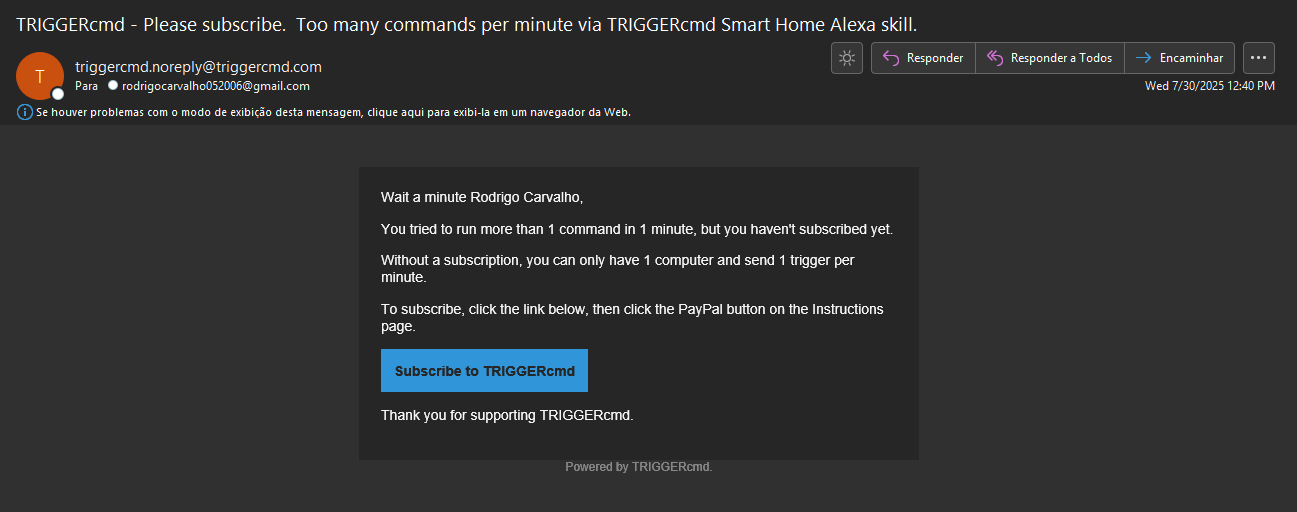
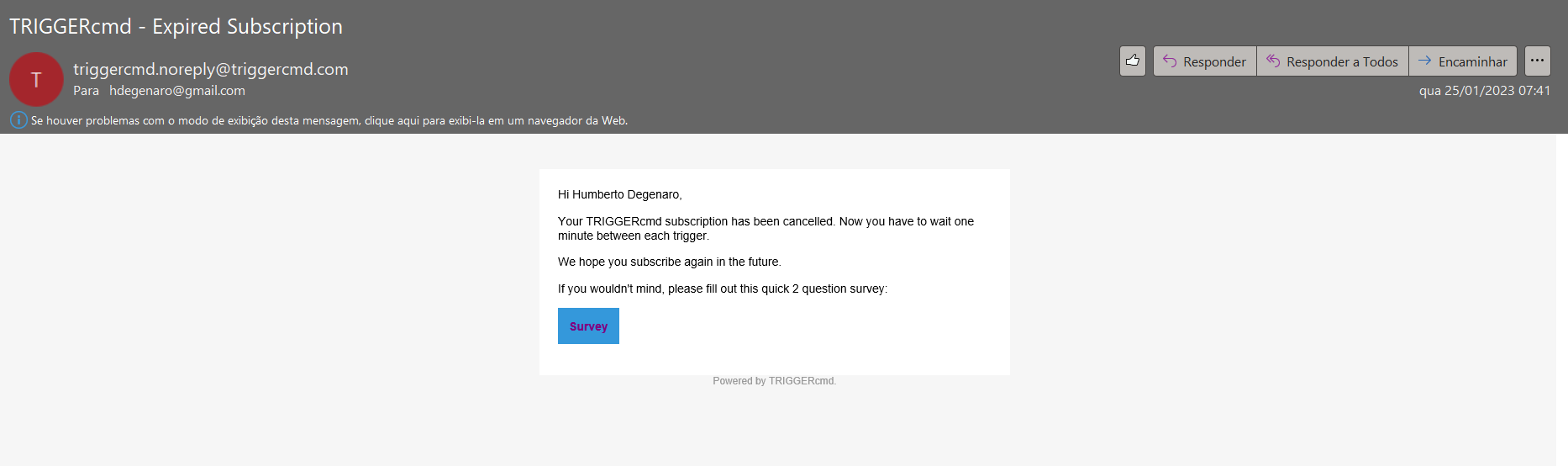
    @Rodrigo-Carvalho-0, those emails are meant to tell users who don't have a TRIGGERcmd subscription why their command didn't run. You must have an Alexa routine that's trying to run multiple commands every hour. Could you disable or delete that routine? Otherwise, I could add an option in your profile page for non-subscribers to disable those emails - they'll just silently fail because you're not subscribed and you're trying to run multiple commands in 1 minute.
  • I don't have access to side panel in order to get my token

    3
    0 Votes
    3 Posts
    970 Views
    C
    @Russ I got it. The issue was due to that I havent gotten really logged in, for some reason after clicking the validation link it showed like I was logged in. I logged off and input my credentials again and I could find averithing in place. Thanks
  • Computador off no site

    4
    0 Votes
    4 Posts
    1k Views
    RussR
    @Viniciusmbs, de nada.
  • Trigger Home assistant

    2
    0 Votes
    2 Posts
    941 Views
    RussR
    @Viniciusmbs, I'm glad you asked because I've been working on the official Home Assistant integration for TRIGGERcmd. It's almost ready. I'm just waiting for this pull request to get merged: https://github.com/home-assistant/core/pull/121268 In the meantime, you could use this method.
  • No option to add commands

    2
    1
    0 Votes
    2 Posts
    944 Views
    RussR
    @carvalhoalvez you can only add commands using the agent software you install on your computer. You'll find the download links on the Instructions page or on the triggercmd.com home page.
  • Formatei o PC

    4
    0 Votes
    4 Posts
    2k Views
    V
    @Russ Então vou ter que refazer todos os comandos. Ninguém que formata o PC vai se lembra disto. E eu fiz login na conta meu PC antigo está la com todos o Trigger tem como pelo menos copiar os comandos
  • Powershell script to run commands remotely via TRIGGERcmd

    2
    0 Votes
    2 Posts
    4k Views
    V
    @Russ como posso efetuar este comando o powershel? start microsoft-edge:https://www.xbox.com/pt-BR/play/launch/forza-horizon-5-edição-padrão/9NKX70BBCDRN $wshell = New-Object -ComObject wscript.shell; $wshell.AppActivate('edge') while ($true) { Sleep 2 $wshell.SendKeys('{f11}') exit } exit
  • command solution

    9
    0 Votes
    9 Posts
    2k Views
    RussR
    @h6477801471 , I answered you here: https://www.triggercmd.com/forum/topic/2725/monitor-control-command-issue/2
  • This topic is deleted!

    1
    0 Votes
    1 Posts
    5 Views
    No one has replied
  • Problemas al ejecutar instrucciones por voz en el asistente

    3
    0 Votes
    3 Posts
    1k Views
    Jonathan CastilloJ
    @Russ Muchas gracias, ahora funciona a la perfección!
  • Manually set Params

    2
    0 Votes
    2 Posts
    953 Views
    RussR
    @Robbie-Hoskins, if you leave the Off Command field blank, the command in the Command field will run with on or off as the parameter depending on whether you say "turn on" or "turn off." If you don't want to use the on/off parameters, you could fill in the Off Command field. Then it will run the command in the Command field when you say "turn on" and the command in the Off Command field when you say "turn off." Here's an example where I'm running two completely different commands for on and off. [image: 1678549529805-89ca17b5-100e-4ec0-8c37-07c9862e1408-image.png] I hope this answers you question, but I'm not sure.
  • WINDOWS settings to Alexa

    2
    1
    0 Votes
    2 Posts
    961 Views
    XanderX
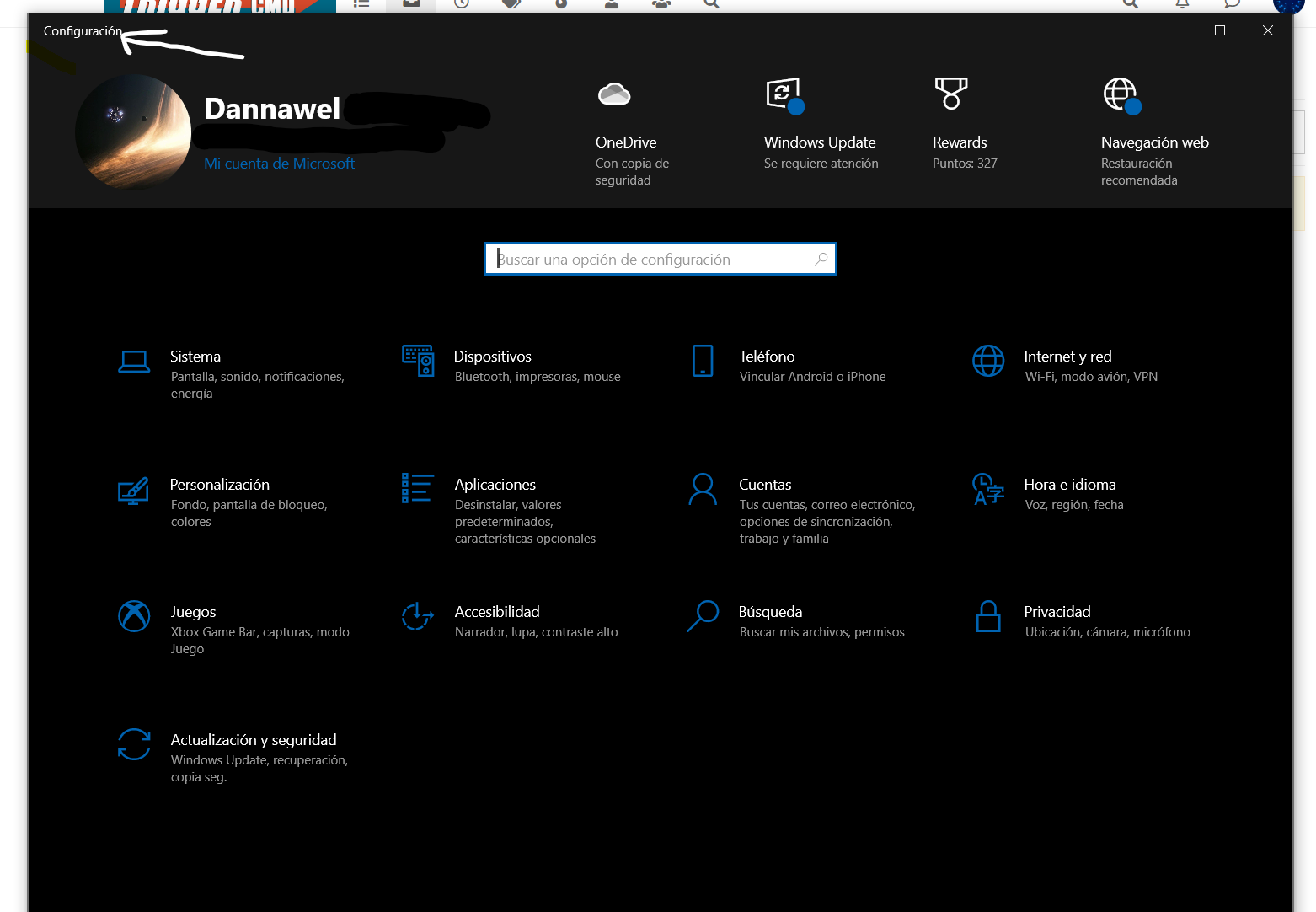
    Set your command to ms-settings: Google can find you a list of sub commands (e.g. ms-settings:network) for any specific sections.
  • What's the difference between background and foreground commands?

    23
    1
    0 Votes
    23 Posts
    47k Views
    Alê 滝口A
    @Russ thank you !!!
  • Subscription Cancelled in 5 days....

    5
    1
    0 Votes
    5 Posts
    2k Views
    RussR
    Sorry @hdegenaro, I saw this and forgot to respond. You can say Alexa, ask TRIGGERcmd to open X if you use the TRIGGERcmd, TRIGGER command, or TC skills. This page shows the sentence format for those skills. You can say, Alexa turn on X if you use the newer TRIGGERcmd Smart Home skill. This page shows the "Smart Home" skill sentence format. Also, if you use an Alexa routine, you can use any word or phrase you want. For example I say, Alexa, open sesame to open my garage using a routine that translates "open sesame" to "ask TRIGGERcmd to run russ on garage" so it runs the command on my Raspberry Pi that opens my garage via the TRIGGERcmd skill.