• 1 Votes
    6 Posts
    2k Views
    RussR
    @Lucas-Lima-Ribeiro, thank you for confirming it's working!
  • WINDOWS ACCOUNT PROBLEM

    General Discussion
    2
    0 Votes
    2 Posts
    562 Views
    RussR
    @Renan-J, please make sure your second computer has a "Voice Name" because if it doesn't, it won't work with the Alexa skills. Only your default computer works with the Alexa skills without a Voice Name. Your first computer is the default computer by default.
  • Subscription cancellation

    General Discussion
    1
    0 Votes
    1 Posts
    450 Views
    No one has replied
  • It doesn't work on my Windows 11

    General Discussion
    6
    0 Votes
    6 Posts
    1k Views
    RussR
    @Gabriel-Martins you could try the new version I just released, but I don't have confidence it will solve that error. Do you have admin access on your Windows PC? What Antivirus do you use?
  • 0 Votes
    3 Posts
    772 Views
    RussR
    @Luigi-Marco-Silvestrini, I think I fixed it but I'm not 100 percent sure because the error showed up so rarely. Please upgrade to the latest version (1.0.36), and please tell me if you ever see the error again.
  • 0 Votes
    2 Posts
    624 Views
    RussR
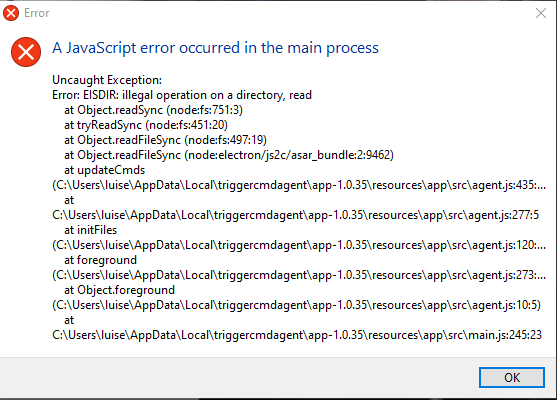
    @Luise-Fernandes, I'm not sure, but please try deleting this folder, then re-run the "TRIGGERcmd Agent" app. c:\Users\luise\.TRIGGERcmdData
  • Config File Path of TriggercmdAgent on Windows

    General Discussion
    3
    0 Votes
    3 Posts
    1k Views
    Furkan CevikF
    @Russ Thanks!
  • 0 Votes
    6 Posts
    1k Views
    RussR
    @DarkGreen92, great. You're welcome. Thank you for your patience.
  • Power Automate, triggering legacy apps

    General Discussion
    2
    0 Votes
    2 Posts
    685 Views
    RussR
    @northyen-0, if you leave the computername blank, it will use the Windows computer name. By automatic sign up, I wonder if you mean you want to install the agent automatically? If so, that's possible. You can find a script in this article.
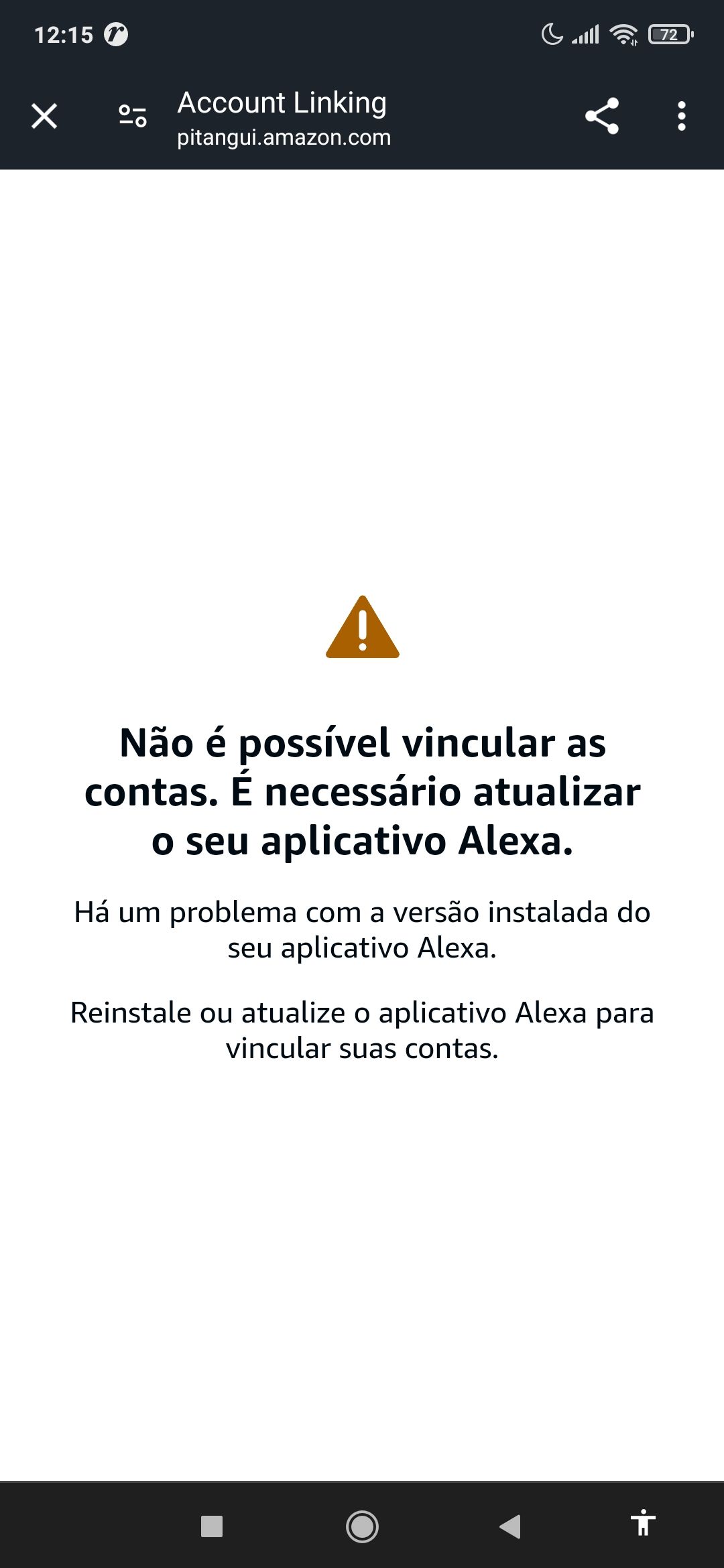
  • Boa tarde nao consigo add token para login

    General Discussion
    4
    1
    0 Votes
    4 Posts
    865 Views
    RussR
    @Michell-Laureano, I translated, "eu sou inscrito ja nao consigo nem importar minhas config ja" as "I'm registered and I can't even import my settings anymore." I'm assuming you're talking about your commands. Your commands are stored in the commands.json file which is in your c:\Users\(your user)\.TRIGGERcmdData folder. You can copy that file, or use the Text Command Editor to copy the text and paste it into a different computer. Also you said you registered. If you mean subscribed, I looked and your account does not seem to be subscribed yet, so you can still only have 1 computer.
  • SmartThings Developer Mode

    General Discussion
    5
    0 Votes
    5 Posts
    2k Views
    A
    Update: For anybody on the Apple ecosystem, I just used a workaround to solve the iOS ST developer mode problem. I installed the Android Studio on my Mac and used it to emulate an Android phone. I then installed Smartthings on the emulated phone and was able to enter developer mode to link to TriggerCMD.
  • 0 Votes
    4 Posts
    1k Views
    RussR
    @Mateo-Fernandez, yes, unfortunately you'll need to make it faster. Alexa only gives a few seconds before a reply must be returned to Alexa, so TRIGGERcmd has to impose the same time limit.
  • Alexa can't find it

    General Discussion
    2
    0 Votes
    2 Posts
    628 Views
    RussR
    @Thiago-Soares, which Alexa skill did you link? You need to link the TRIGGERcmd Smart Home skill for Alexa devices to appear for each of your commands. Your commands also need to have the voice field filled in. Your computer also needs the voice field filled in or it needs to be your default computer. You can set your default computer in your profile.
  • 0 Votes
    9 Posts
    3k Views
    RussR
    @Smart-Communities, you could install the background service and make your commands background commands. Then they'll run in the context of the TRIGGERcmdAgent Windows service. [image: 1711659668349-f683db7c-3ad3-4144-9c6b-5db1c47c9024-image.png] [image: 1711659590446-4dd69c6c-2590-455c-bf91-848d720392f2-image.png] [image: 1711659617958-9329ed07-e07b-410f-b78d-dcc50bb58fb8-image.png]
  • Command with parameters

    General Discussion
    2
    1
    0 Votes
    2 Posts
    613 Views
    RussR
    @marti-ruiz, the parameters you send with your trigger always get tacked on to the end of your command, so you should put that same command in a .bat file if you want the parameter where the %1 is. Your TRIGGERcmd command would run your .bat script like this: [image: 1711659266740-b4ae43ca-f277-436a-b9b3-143288f9c973-image.png] Your label.bat script contents: type "C:\BC\%1" > \\mycomputer.local\ZEBRA
  • runs double

    General Discussion
    2
    0 Votes
    2 Posts
    674 Views
    RussR
    @El-Kortungas, what does it show in your Runs list for the command? I just ran Calculator using the TRIGGERcmd Smart Home skill and it ran only once as you can see here: [image: 1711296767670-63868947-3086-4a59-a7fc-5087967a20a4-image.png] Also, which Alexa skill are you using? The runs list will show that too. I recommend the TRIGGERcmd Smart Home skill. You could try unlinking and re-linking the skill.
  • Refund

    General Discussion
    1
    0 Votes
    1 Posts
    389 Views
    No one has replied
  • Shutdown command doesn't work on Windows Server

    General Discussion
    2
    0 Votes
    2 Posts
    813 Views
    XanderX
    @matheus-venancio What is the actual command that you're using? And does it work from a cmd prompt?
  • 0 Votes
    8 Posts
    2k Views
    RussR
    @Mike-Vecchiarelli , can you send me a copy of your debug.log file? I wonder if you see multiple instances of something like this: |> Now connected to https://www.triggercmd.com. \___/ For help, see: http://bit.ly/2q0QDpf (using sails.io.js node SDK @v1.2.1) Connected at: Fri Mar 15 2024 18:24:00 GMT-0400 (Eastern Daylight Time) Also, can you tell me the versions of the agent on your 4 computers? If they're different, that could be a clue. Also, I have better logging now, so I can probably track down the server logs related to your issue if you give me the time and your computer ID or account email address if/when it happens again.
  • Not Seeing My Testing Devices in Developer mode

    General Discussion
    3
    0 Votes
    3 Posts
    949 Views
    A
    @Russ I signed out/closed the app and then opened it up again. See the below screenshots of the developer mode enabled and add device page. Developer mode enabled: [image: 1710539333171-st1.jpg] Cannot see "My Testing Devices": [image: 1710539362098-st2.jpg] I appreciate your assistance. Thank you.