Use Claude Desktop to lookup and play a Youtube video on your Roku
-
I'm having fun with the TRIGGERcmd MCP server and this Youtube MCP server. This is an example to demostrate how easy it is to turn any script into an MCP tool for AI to use on your behalf.
Here's a Youtube video showing how it works: https://youtu.be/ctV8TUvcQuI
This shows me telling the Claude AI LLM to lookup a Youtube video and play it on my Roku.
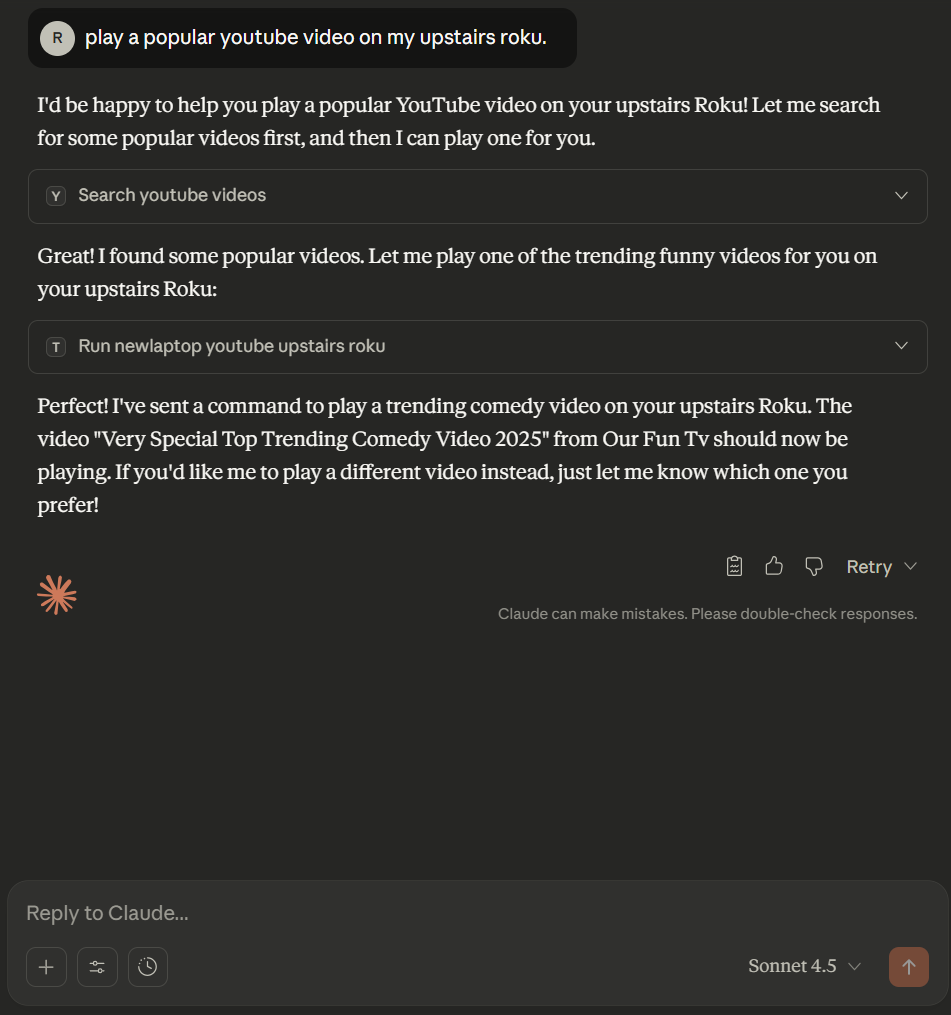
This is my claude_desktop_config.json file:
{
  "mcpServers": {
    "triggercmd": {
      "command": "C:\\tools\\triggercmd-mcp-windows-amd64.exe"
    },
    "youtube": {
            "command": "C:\\Users\\russe\\AppData\\Local\\Microsoft\\WindowsApps\\python.exe",
            "args": [
                "-m", "uv", "run", "--directory",
                "C:\\tools\\mcp\\youtube-mcp",
                "youtube_server.py"
            ],
            "env": {
                "YOUTUBE_API_KEY": "(get your own)"
            }
    }
  }
}
This is my TRIGGERcmd command from commands.json:
 {
  "trigger": "Youtube Upstairs Roku",
  "command": "c:\\tools\\yt-upstairs-roku.bat",
  "offCommand": "",
  "ground": "foreground",
  "voice": "",
  "voiceReply": "",
  "allowParams": "true",
  "mcpToolDescription": "Shows a specific video on my upstairs Roku.  The parameter specifies the video by its Youtube video ID. "
 }
This is my yt-upstairs-roku.bat file:
curl -v -XPOST "http://192.168.1.12:8060/launch/837?contentId=%1"192.168.86.127 is the IP of my upstairs Roku.
837 is the ID of the Youtube app on Roku.
%1 is a placeholder for the parameter (the Youtube video ID).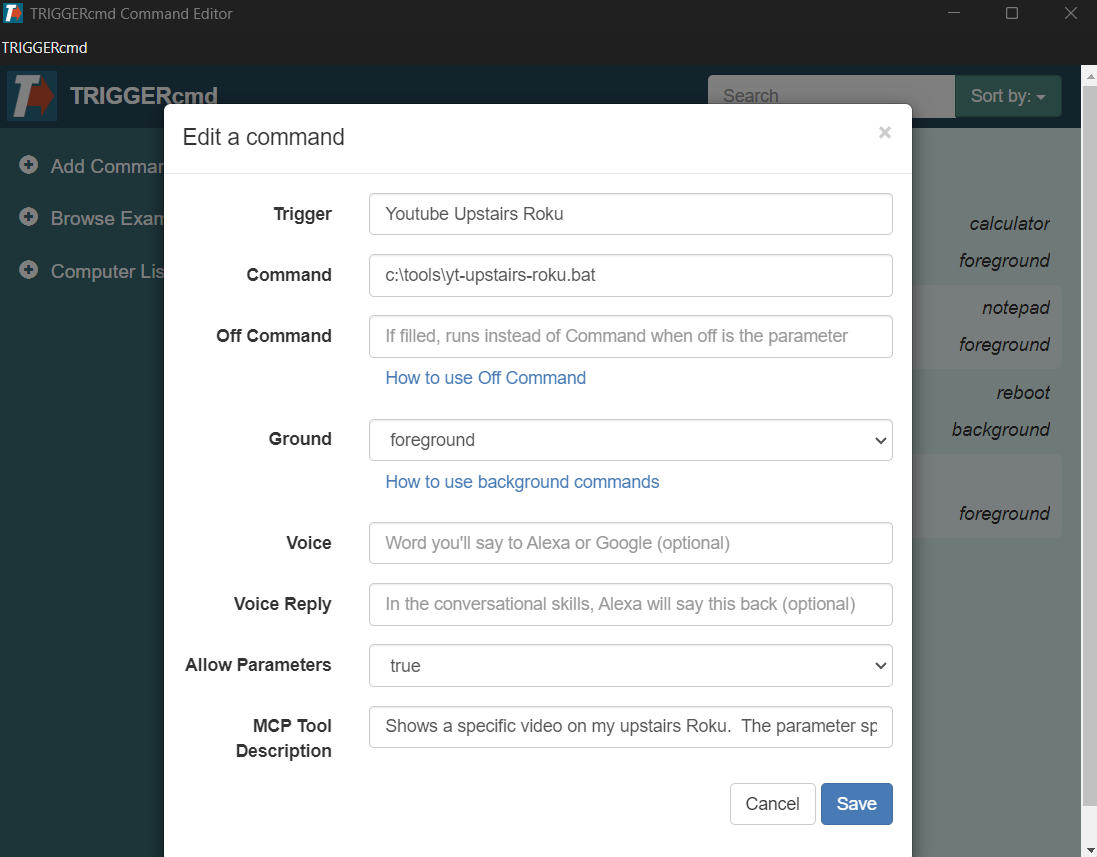
-
 R Russ referenced this topic on
-
R Russ referenced this topic on
-
R Russ referenced this topic on
Hello! It looks like you're interested in this conversation, but you don't have an account yet.
Getting fed up of having to scroll through the same posts each visit? When you register for an account, you'll always come back to exactly where you were before, and choose to be notified of new replies (either via email, or push notification). You'll also be able to save bookmarks and upvote posts to show your appreciation to other community members.
With your input, this post could be even better 💗
Register Login