En:how to close the browser without ending the task? Pt.Br:como fechar o navegador sem finalizar a tarefa?
-
En:I'm trying to make alexa close the browser by voice command, but the only way I could was finishing the task, and as I use brave even closing the browser, the tabs are still saved and if I finish the task they close too
PT_BR:Estou tentando fazer a alexa fechar o navegador por comando de voz porém unico jeito que consegui foi finalizando a tarefa, e como eu uso o brave mesmo fechando o navegador as abas continuam salvas e se finalziar a tarefa elas fecham também
-
@skrttz, what's wrong with ending the Brave browser task? Do you not want the tabs to be saved? I'm trying to figure out what you want to happen differently.
-
@russ I would like the browser to close but with the tabs saved
-
@skrttz, when I used this command to close Brave, it saved my browser tabs:
taskkill /im brave.exeWhen I re-opened Brave, my tabs were re-opened.
-
@russ thanks a lot, can I take the opportunity to ask something?, I recently tried to open the xbox app that is downloaded from the microsoft store, the command was start xbox:, but it opens the xbox console not the app and I've tried everything like, start AppXbox, I even got the id and the PackageFamilyName which from what I saw is necessary to start the app through cmd but I was not successful, you know how I open it and again thank you very much for the help with Brave
-
I used this process and found the protocol name in this section of the AppxManifest.xml file:
  <Extensions>
    <uap:Extension Category="windows.protocol">
      <uap:Protocol Name="xbox-tcui" />
But when I ran start xbox-tcui I got this useless window:
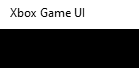
So for some reason the normal process doesn't work for the Xbox app.
I'll do some more research, but it's not looking good.
-
@russ n my research i saw that to open xbox by cmd you need the
Application package family name.
application ID. at the end the command is explorer.exe shell:appsFolder<PackageFamilyName-here>!<App ID>
but I don't know if I did something wrong it doesn't open the app this is the link to the article https://www.thewindowsclub.com/open-microsoft-store-apps-from-command-prompt -
@skrttz, I tried that method but it didn't work for me. I did find a method though.
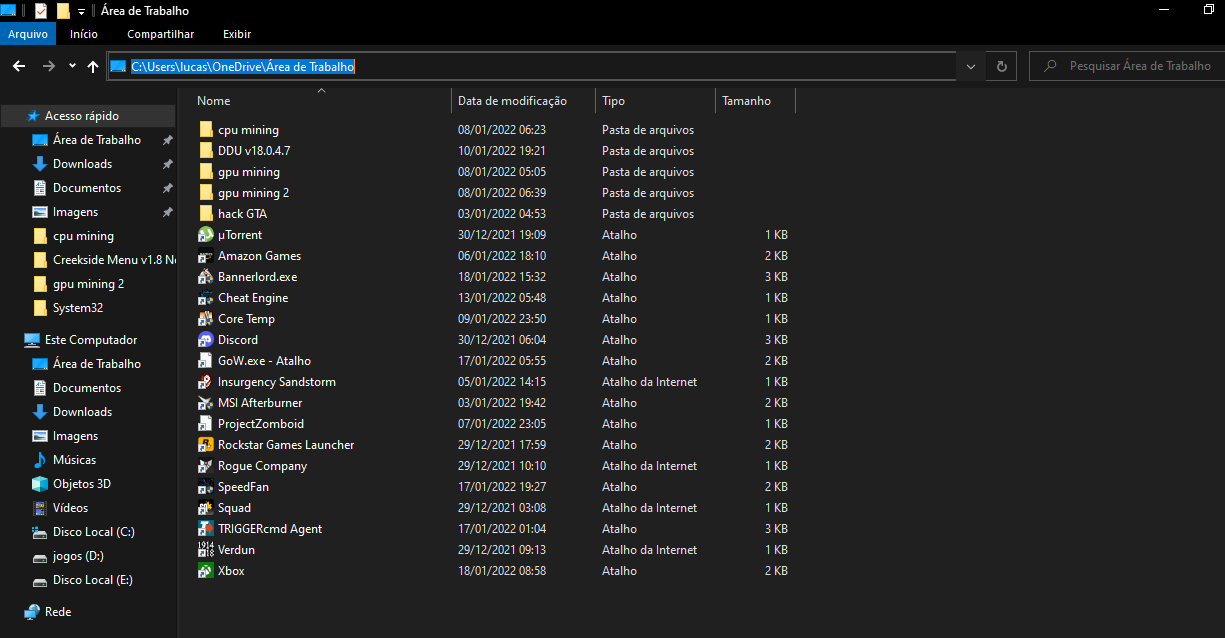
I created a shortcut (.lnk) file, and I'm able to run it via that shortcut like this:
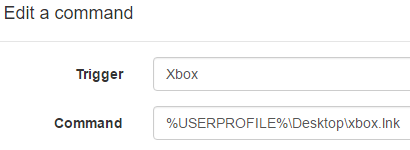
These were my steps to create the xbox.lnk file on my desktop:
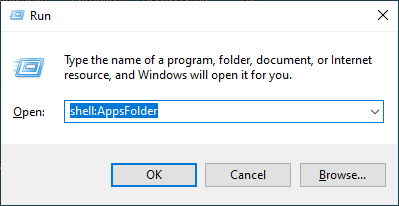
Open the Applications folder:
Right-click Xbox and click Create shortcut:
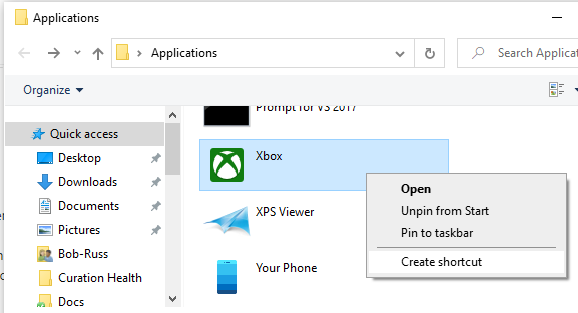
Now I have an Xbox.lnk file on my desktop:

-
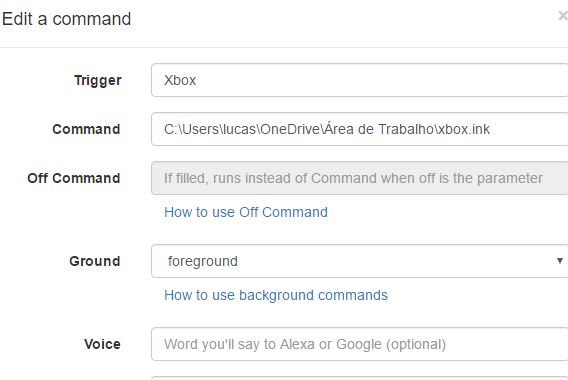
for some reason it won't go here
-
@skrttz , whenever there are spaces in the command path, you have to quote it.


Hello! It looks like you're interested in this conversation, but you don't have an account yet.
Getting fed up of having to scroll through the same posts each visit? When you register for an account, you'll always come back to exactly where you were before, and choose to be notified of new replies (either via email, or push notification). You'll also be able to save bookmarks and upvote posts to show your appreciation to other community members.
With your input, this post could be even better 💗
Register Login