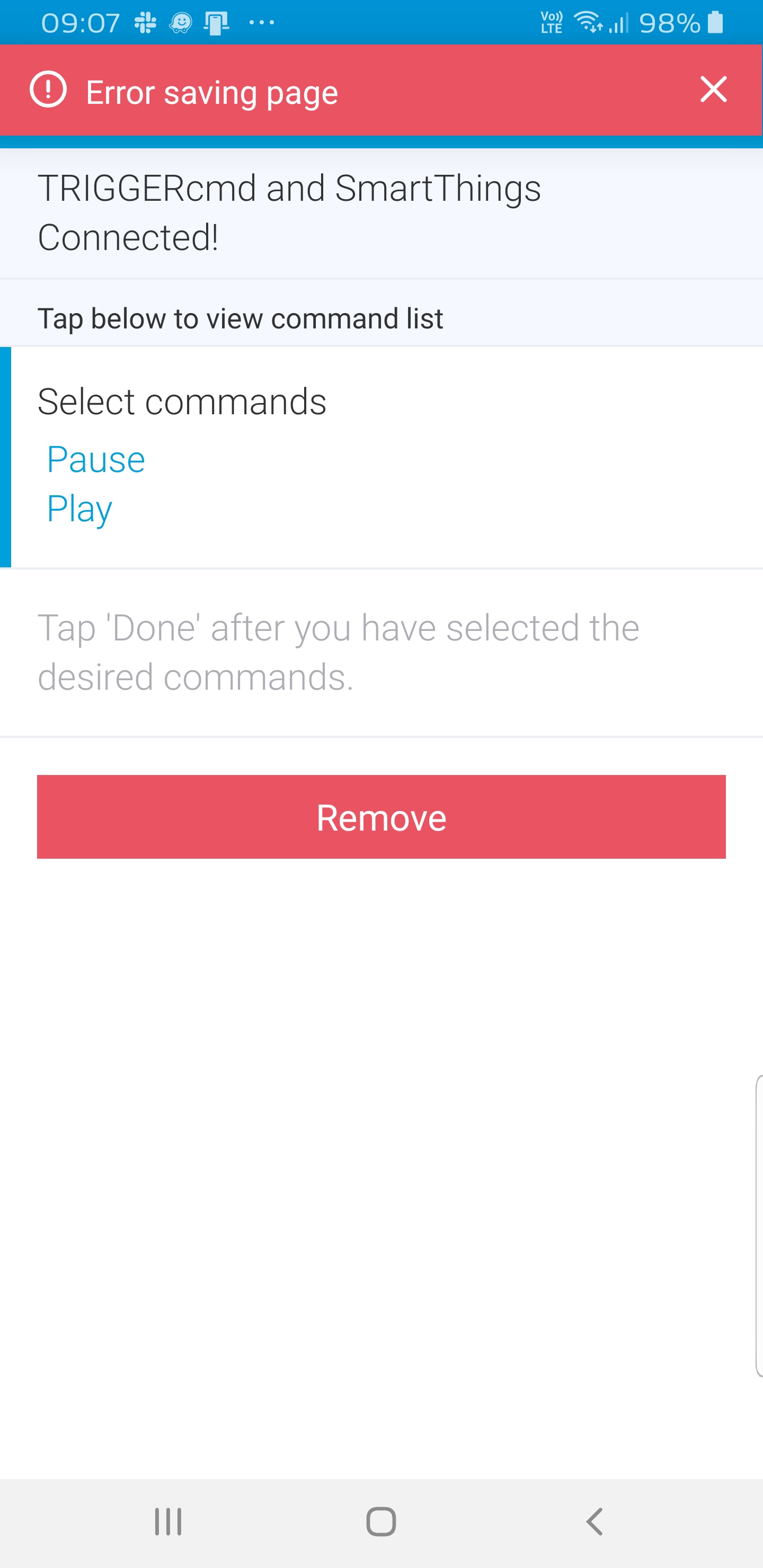
Error in Smartthings
-
My Commands stop working (I am using them through Smartthings) I think after the last update, so I went in the ST smartapp tocheck them and I can't seem to save. How should I proceed in fixing this?
![alt text]
-
@sulisenator, can you try these things?
- Un-select all of our commands from your TRIGGERcmd SmartApp - hopefully it will let you save the page after that.
- Manually remove any TRIGGERcmd switches the SmartApp may have left because they're associated with other SmartApps, or used in a Routine or something. You'll find the Remove button under the gear under the switch.
- Go back into the TRIGGERcmd SmartApp and re-add the switches you want.

Hello! It looks like you're interested in this conversation, but you don't have an account yet.
Getting fed up of having to scroll through the same posts each visit? When you register for an account, you'll always come back to exactly where you were before, and choose to be notified of new replies (either via email, or push notification). You'll also be able to save bookmarks and upvote posts to show your appreciation to other community members.
With your input, this post could be even better 💗
Register Login