• Running "Trigger Commands" via Windows Command Line

    5
    0 Votes
    5 Posts
    2k Views
    RussR
    @Furkan-Cevik, nice, I'm glad you got it working. Also, thank you for subscribing!
  • Install is Ok, No signin

    3
    0 Votes
    3 Posts
    749 Views
    S
    @Russ thnk you, deleting and submitting again worked! Best,
  • Any idea why this batch is failing to run?

    2
    0 Votes
    2 Posts
    703 Views
    RussR
    @Strahan, that should work. Do you see an Alexa device called "bedtime" in the Alexa app? [image: 1701127627250-667c86ef-d339-433a-acd2-c9d521cb6e3c-image.png] FYI, you could also remove the on and off portion of the command, and clear the "Off command" field like this because the agent will add " on" or " off" to your command depending on whether you're flipping the virtual switch on or off. Trigger: bedtime Command: c:\misc\loghealth.bat bedtime At first I was concerned that bedtime might be a reserved word, but I tried "bedtime" and "bed time" in the Voice field and both worked for me. [image: 1701127423968-82dfaf50-a9a4-4549-9f78-e8001a91b436-image.png]
  • Monitor control command issue

    4
    2
    0 Votes
    4 Posts
    3k Views
    RussR
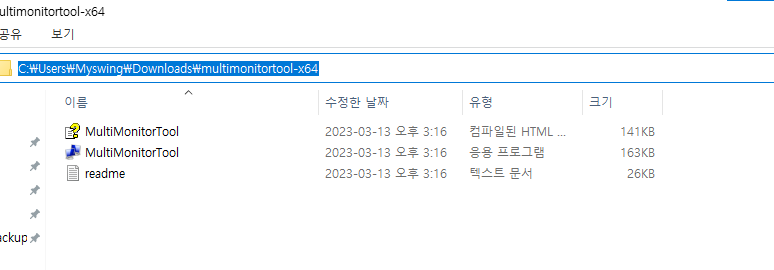
    @h6477801471, ok, if you put MultiMonitorTool.exe in d:\tools, then make your command this: d:\tools\MultiMonitorTool.exe /TurnOff 1 Or you could do this so you can say, Alexa, turn monitor off, and Alexa, turn monitor on. [image: 1697852080157-978faec6-3792-4b24-83b9-f78eb6bed2a6-image.png] If you specify the path (d:\tools) to the .exe file in your command you don't have to put d:\tools in your PATH variable. If you want, you could turn the projector on and off with a smart plug instead. You'd create 2 commands, and associate each one with an Alexa routine that flips the smart switch off and on. The problem is I don't think you're supposed to abruptly turn projectors off because the fan needs to run to cool the bulb down. I'm not sure though if that's still a concern these days. I made a video about how to run Alexa routines when you trigger your commands here: https://www.youtube.com/watch?v=nrqj-OwDpGE Also I forgot to ask, does it work if you run the command manually from a cmd window?

  • Windows 10 Installation behind a proxy.

    proxy windows installation
    2
    0 Votes
    2 Posts
    983 Views
    RussR
    @Tesla-Fahrer, sorry, at this point the agent cannot connect to the TRIGGERcmd server through a proxy.
  • Is window 7 64bit not compatible?

    3
    0 Votes
    3 Posts
    884 Views
    h6477801471H
    @Russ Thank you so much, Russ. I just subscribed your software. It is awesome on windows 10 and works.
  • Question about how many computers is this

    2
    0 Votes
    2 Posts
    796 Views
    RussR
    @prik-m, what determines the number of computers is how many you have in your computer list. So if you could run the agent on computer A, and use computer B to edit computer A's commands.json file somehow, then you'd only be using one computer (A) according to TRIGGERcmd.
  • PS scripts do not work, CommandNotFoundException

    powershell windows problem
    3
    0 Votes
    3 Posts
    1k Views
    TX NerdT
    @Russ That works, thank you!
  • Token triggercmd

    token error
    2
    1
    0 Votes
    2 Posts
    968 Views
    RussR
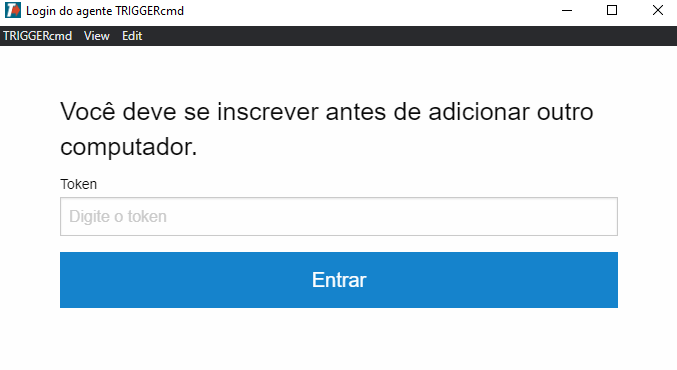
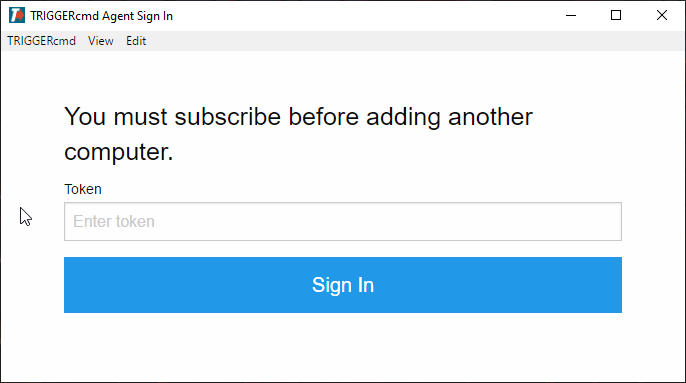
    @Ananda, the error is saying you must subscribe before adding an additional computer. You must have a computer in your account already. If you delete it, or subscribe, you won't get this error. The subscription allows you to have more than one computer, and run more than one command per minute.
  • Tasker and parameters

    3
    1
    0 Votes
    3 Posts
    844 Views
    Red SufiR
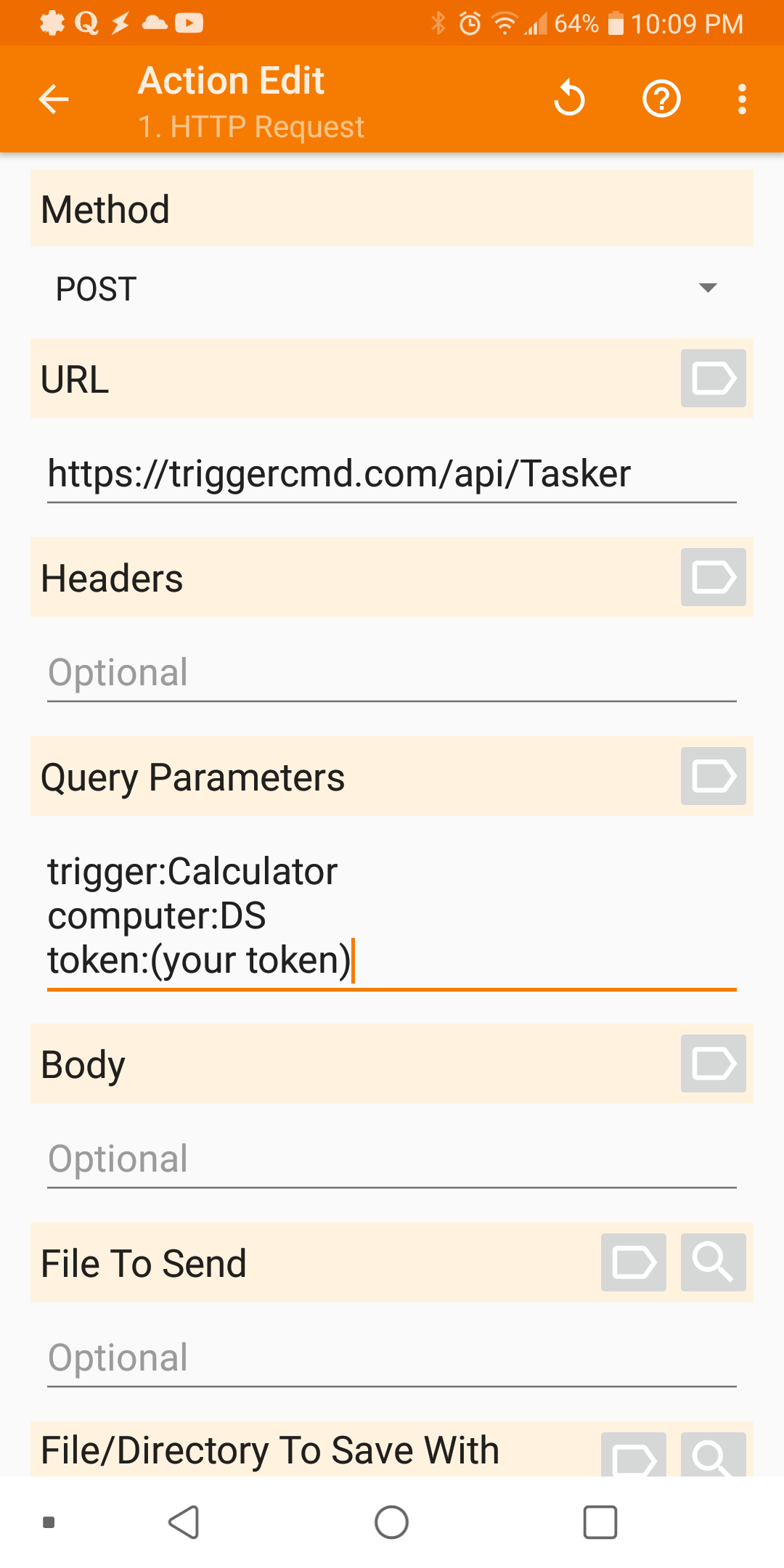
    @Russ thanks for the quick reply. I tried it out and it worked perfectly. Thanks again
  • java jason error on attempt to install windows agen

    Moved
    11
    0 Votes
    11 Posts
    3k Views
    S
    @Russ The tray icon was there but it was unclickable. When I deleted those folders and the PC from my computer list on triggercmd admin, I was then able to reinstall and everything then worked as it should.
  • Waking up Windows 10 desktop with Alexa

    Moved
    4
    0 Votes
    4 Posts
    4k Views
    A
    @gingerslayer113 (or whom it may concern) I've used automagic4android(.com) bc of its scripting ability, so this looked quite interesting to me: Google Home WOL Configuration - https://www.youtube.com/watch?v=iD6lCh7Uhq8 Similar to a4a looks MacroDroid, and, bc also mentioned within the above video: Tasker Good luck
  • Windows Update (Windows11)

    2
    0 Votes
    2 Posts
    2k Views
    RussR
    @caio-augusto, I read this at the bottom of this page: wuauclt is no longer available with Windows 10. You can use usoclient.exe instead. Parameters are /StartScan, /StartDownload, /StartInstall I tried it and it doesn't give any output, but I assume it works. I'll have to try it when my PC needs updates. I tried it on a couple of mine but both are up-to-date so it didn't do anything.
  • Nothing working remotely

    3
    2
    0 Votes
    3 Posts
    1k Views
    E
    @russ thank you for your fast reply. I really appreciate it. The firewall was blocking the commands indeed. If I try use them before login, everything works properly. But after login, when the firewall comes up, every command stop working.
  • No new devices found.

    3
    0 Votes
    3 Posts
    854 Views
    RussR
    @emristv, good. Yea you either need that or your computer needs to have a voice word set, but it's better to use the default computer so you don't have to say the computer's voice to Alexa. In other words, if you use the default computer, you can say, "Alexa, turn on calculator" If you just set the computer's voice word to "laptop" or something, then you'd say, "Alexa, turn on calculator on laptop"
  • A Warning to Windows users.

    Moved windows
    1
    0 Votes
    1 Posts
    1k Views
    No one has replied
  • Duplicated PC

    Moved
    4
    0 Votes
    4 Posts
    965 Views
    RussR
    @matheus-zarpellon , you have to delete your computer from your account at TRIGGERcmd.com first.
  • Nothing happens when you enter the token on windows.

    Moved
    4
    1
    0 Votes
    4 Posts
    2k Views
    RussR
    @chabetico, your commands were stored in the commands.json file in C:\Users\(your user)\.TRIGGERcmdData\commands.json. If that file is gone, you'll need to recreate your commands from scratch. For added security, the actual commands are not stored in your account in the cloud. They're stored on your computer.
  • windows installation with token built in?

    Moved
    10
    0 Votes
    10 Posts
    2k Views
    RussR
    @Irfan-Khan, I hope you'll share your end product when you get it all figured out.
  • I cant change email/token

    Moved
    2
    0 Votes
    2 Posts
    617 Views
    RussR
    @Kevin-Diehl, if you deleted the .TRIGGERcmdData folder it should prompt for a token again. Maybe a reboot would help.