-
I put my Token in the application on the PC, I click Sign In and nothing happens, the space to type the Token is blank again. (Token copied from Trigger instructions page)
 Thanks in advance for an answer ...
 -
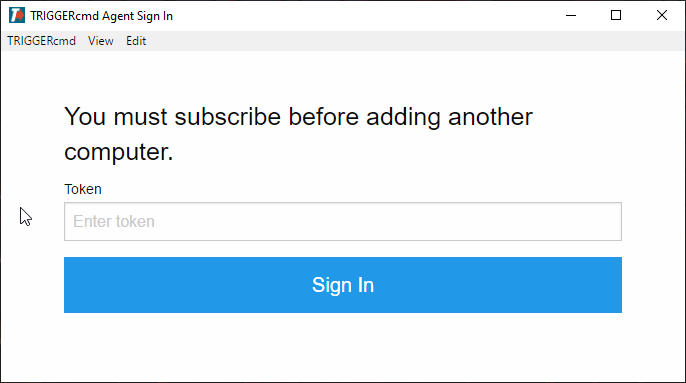
@Dark-Otacon, the interface could be better, but notice the difference between this screenshot and yours. After you input the token, the text on that window changes from, "Your token is under the "Instructions" link in your TRIGGERcmd account." to "You must subscribe before adding another computer."
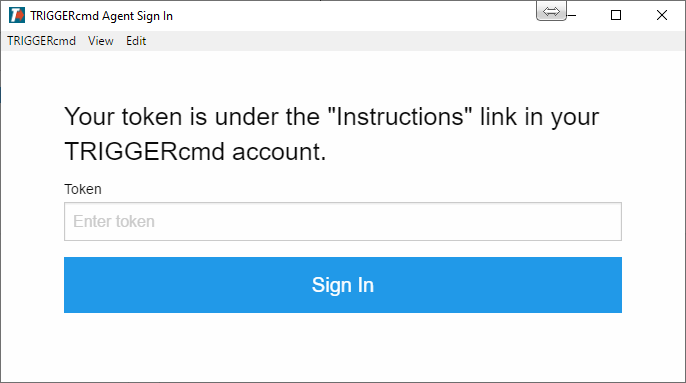
Adding more than one computer is a benefit of having an active subscription.
-
@russ I formatted the pc, is there any way to pass my trigger to the "current" PC?
-
@chabetico, your commands were stored in the commands.json file in C:\Users\(your user)\.TRIGGERcmdData\commands.json. If that file is gone, you'll need to recreate your commands from scratch. For added security, the actual commands are not stored in your account in the cloud. They're stored on your computer.
-
 T tuicemen moved this topic from Instructions on



Hello! It looks like you're interested in this conversation, but you don't have an account yet.
Getting fed up of having to scroll through the same posts each visit? When you register for an account, you'll always come back to exactly where you were before, and choose to be notified of new replies (either via email, or push notification). You'll also be able to save bookmarks and upvote posts to show your appreciation to other community members.
With your input, this post could be even better 💗
Register Login