TRIGGERcmd
    • Categories
    • Recent
    • Tags
    • Popular
    • Users
    • Groups
    • Search
    • Register
    • Login
    1. Home
    2. Recent
    Log in to post
    Load new posts
    • All Topics
    • New Topics
    • Watched Topics
    • Unreplied Topics

    • All categories

    • All tags
    • Moacir Vilela SêgaM

      Triggercmd failing to install the background agent

      Watching Ignoring Scheduled Pinned Locked Moved Windows
      2
      1
      0 Votes
      2 Posts
      854 Views
      RussR
      @Moacir-Vilela-Sêga, I just uninstalled and re-installed the background agent. I'm using the latest version of the agent - 1.0.47. You could try rebooting, then trying again. [image: 1753911522486-e788eeca-f14c-4f96-86c4-1bd92bdd792c-image.png]
    • Stinktron 82S

      i want to cancel and request a refund

      Watching Ignoring Scheduled Pinned Locked Moved General Discussion
      4
      0 Votes
      4 Posts
      1k Views
      J
      Hi everyone, I’m new here and happy to join the forum. Looking forward to learning and sharing with you all.
    • chrischickshowC

      Alexa problem

      Watching Ignoring Scheduled Pinned Locked Moved General Discussion
      4
      0 Votes
      4 Posts
      1k Views
      RussR
      @chrischickshow, that makes sense. I'll add something about that to the docs to warn people not to use the name of a room in their voice words..
    • TheDreamer68T

      TRIGGERcmd with Smarthings using Schema Cloud Connector

      Watching Ignoring Scheduled Pinned Locked Moved General Discussion smartthings
      5
      1 Votes
      5 Posts
      2k Views
      O
      @TheDreamer68!! It sounds like you're navigating the transition from the old Cloud Connected Device Integration to the new Schema Cloud Connector, which can be a bit tricky. Since the changeover is already happening, it’s best to follow the new path for creating integrations. If you’re stuck at step 14, it might be helpful to review any specific documentation or guides provided by SmartThings, especially around the Schema Cloud Connector setup.
    • Moacir Vilela SêgaM

      [FIXED]

      Watching Ignoring Scheduled Pinned Locked Moved Alexa
      2
      0 Votes
      2 Posts
      857 Views
      RussR
      @Moacir-Vilela-Sêga good. Sorry I didn't get back to you but I did test it and it was still working for me.
    • Moacir Vilela SêgaM

      Did the alexa skill got deleted?

      Watching Ignoring Scheduled Pinned Locked Moved Alexa
      1
      0 Votes
      1 Posts
      621 Views
      No one has replied
    • RussR

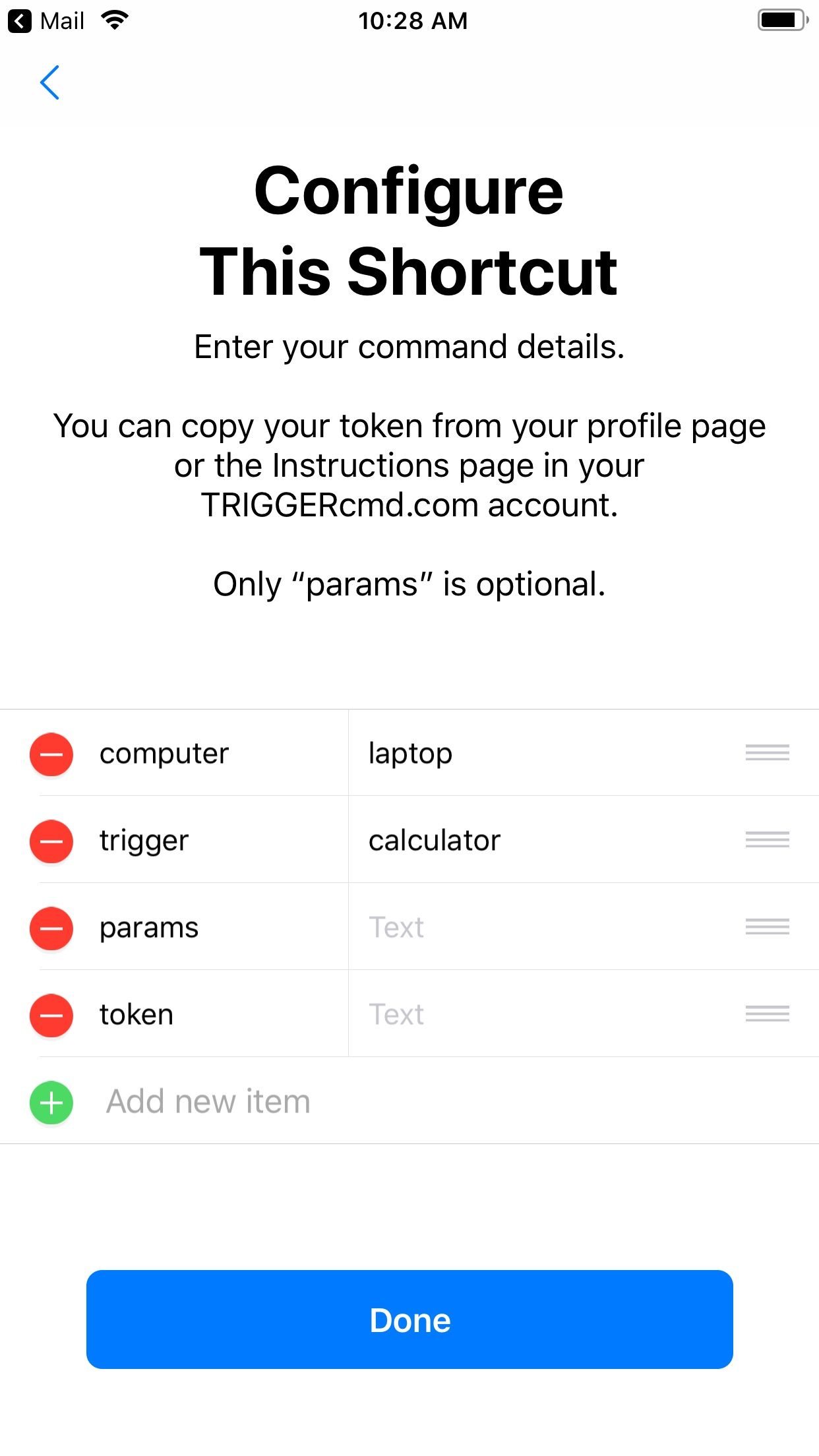
      Trigger a command with a Shortcut via Siri

      Watching Ignoring Scheduled Pinned Locked Moved Mac
      7
      2
      0 Votes
      7 Posts
      4k Views
      RussR
      Nice @gajahduduk. I'm glad you got it working. Thanks for sharing your use-case.
    • RussR

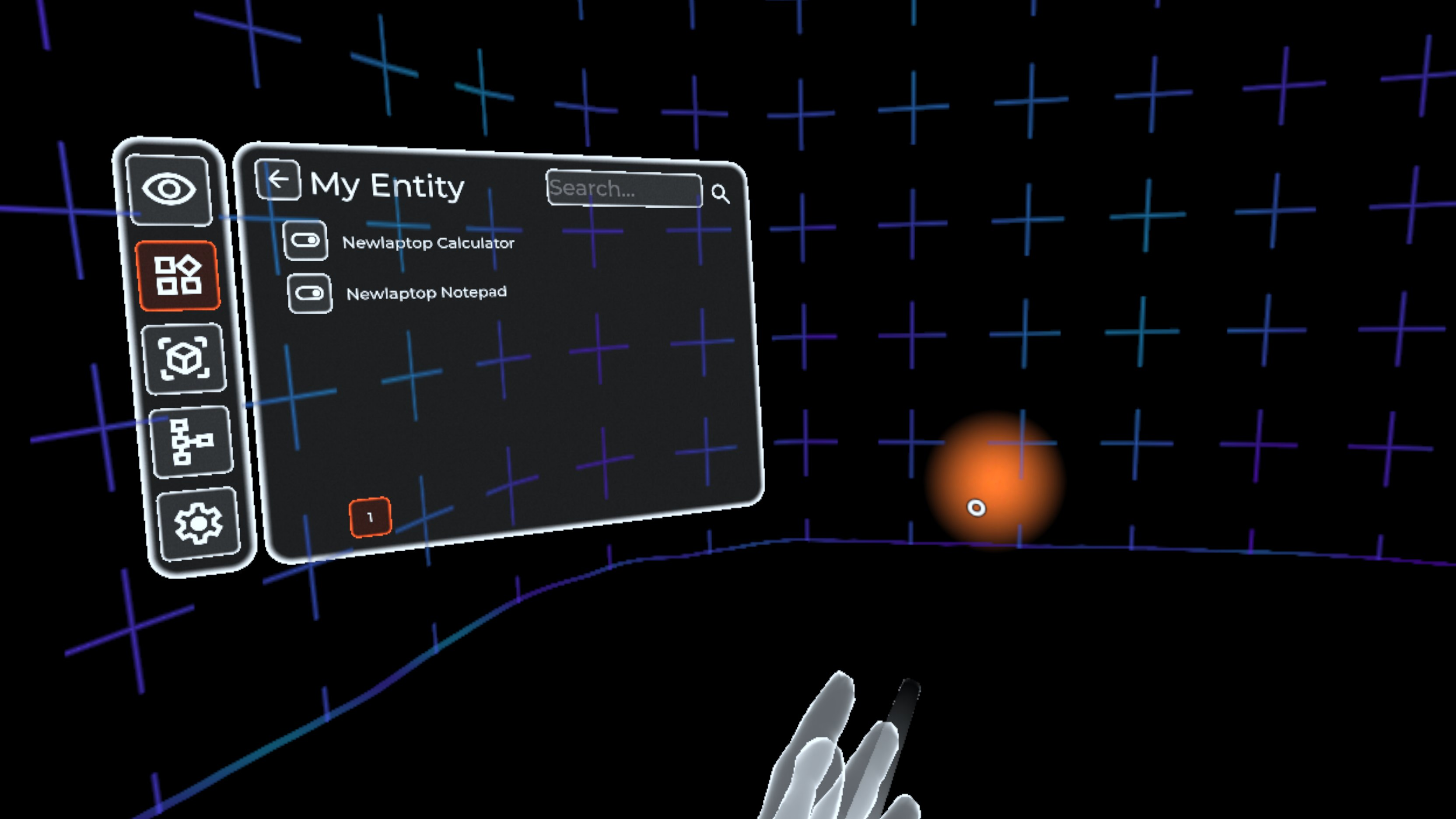
      Trigger your commands in VR with Immersive Home

      Watching Ignoring Scheduled Pinned Locked Moved Home Assistant
      1
      1
      0 Votes
      1 Posts
      753 Views
      No one has replied
    • G

      Crashing & translocation & ARM

      Watching Ignoring Scheduled Pinned Locked Moved Mac
      9
      0 Votes
      9 Posts
      2k Views
      RussR
      @gajahduduk, that's great. Thank you for testing it and letting me know.
    • Jordel MirandaJ

      TriggerCMD não carrega a tela de comandos

      Watching Ignoring Scheduled Pinned Locked Moved Windows
      2
      0 Votes
      2 Posts
      951 Views
      RussR
      @Jordel-Miranda, I think you have something in your commands.json that's causing the issue. Please try renaming it. It's in this folder: C:\Users\(your user)\.TRIGGERcmdData
    • G

      Alexa Plus

      Watching Ignoring Scheduled Pinned Locked Moved Alexa
      4
      0 Votes
      4 Posts
      1k Views
      RussR
      @gajahduduk, ok - you're right you do have to use one the Trigger Command, TC, or TRIGGERcmd skill to hear the result of your command. To answer your question about adding that to the new TRIGGERcmd Smart Home skill - no, it's not possible.
    • ?

      TRIGGERcmd not starting at boot

      Watching Ignoring Scheduled Pinned Locked Moved General Discussion
      50
      1 Votes
      50 Posts
      23k Views
      Fabrizio HolsteinF
      @Russ yes, when I run manualy it start.
    • RussR

      New SmartThings integration (2023)

      Watching Ignoring Scheduled Pinned Locked Moved Announcements smartthings
      45
      11
      0 Votes
      45 Posts
      27k Views
      Cristian DindinelliC
      @Cristian-Dindinelli said in New SmartThings integration (2023): hi, i just changed my pc and i messed up everything so i deleted triggercmd from smartthing, but now i can't install it anymore. This link https://developer.smartthings.com/workspace/projects/new won't make me create a new project but send me to an other page. After some extra step, I could connect to smartthing, but only devices with "voice" command are shared, any advice?
    • RussR

      Upgrade all of your software.

      Watching Ignoring Scheduled Pinned Locked Moved Windows
      1
      0 Votes
      1 Posts
      949 Views
      No one has replied
    • ?

      Triggers appearing in view runs but not actually triggering.

      Watching Ignoring Scheduled Pinned Locked Moved Mac
      18
      0 Votes
      18 Posts
      4k Views
      RussR
      Thanks @Leron-Tolmachev .
    • XanderX

      1.0.47 not installing, no log

      Watching Ignoring Scheduled Pinned Locked Moved General Discussion
      4
      0 Votes
      4 Posts
      1k Views
      RussR
      @Xander, awesome. I'm glad that worked.
    • Eliseu JoséE

      How to UNLOCK the Windows screen?

      Watching Ignoring Scheduled Pinned Locked Moved Windows
      4
      0 Votes
      4 Posts
      3k Views
      C
      @Russ There has to be a way. Many systems, like VNC for example, use this feature.
    • Carlos JuniorC

      Add two commands in a single trigger

      Watching Ignoring Scheduled Pinned Locked Moved Windows
      2
      0 Votes
      2 Posts
      984 Views
      RussR
      @Carlos-Junior, you could create a script with two commands in it like this: taskkill /f /fi "USERNAME eq %USERNAME%" /fi "WINDOWTITLE ne" shutdown /s /f /t 0 Then your command would run that script with a command like this: c:\scripts\close_all_shutdown.bat If you don't want to create a script, you can generally run multiple commands with one command line by separating the commands with && like this: taskkill /f /fi "USERNAME eq %USERNAME%" /fi "WINDOWTITLE ne" && shutdown /s /f /t 0
    • kellanistK

      Powershell scripts no longer working

      Watching Ignoring Scheduled Pinned Locked Moved General Discussion
      6
      0 Votes
      6 Posts
      2k Views
      RussR
      @kellanist, great. That makes sense.
    • trinibT

      Open youtube link on any browser & play using autohotkey😎

      Watching Ignoring Scheduled Pinned Locked Moved Example Commands
      1
      0 Votes
      1 Posts
      1k Views
      No one has replied