TRIGGERcmd setup on Google Assistant
-
This Youtube video shows the setup process.
Or, as of 2023, follow these steps:
- Open the Home app
- Tap the Settings tab
- Tap Google Assistant
- Tap Manage all Assistant settings
- Tap Home control
- Search for TRIGGERcmd
- Select TRIGGERcmd Smart Home
- Select Continue
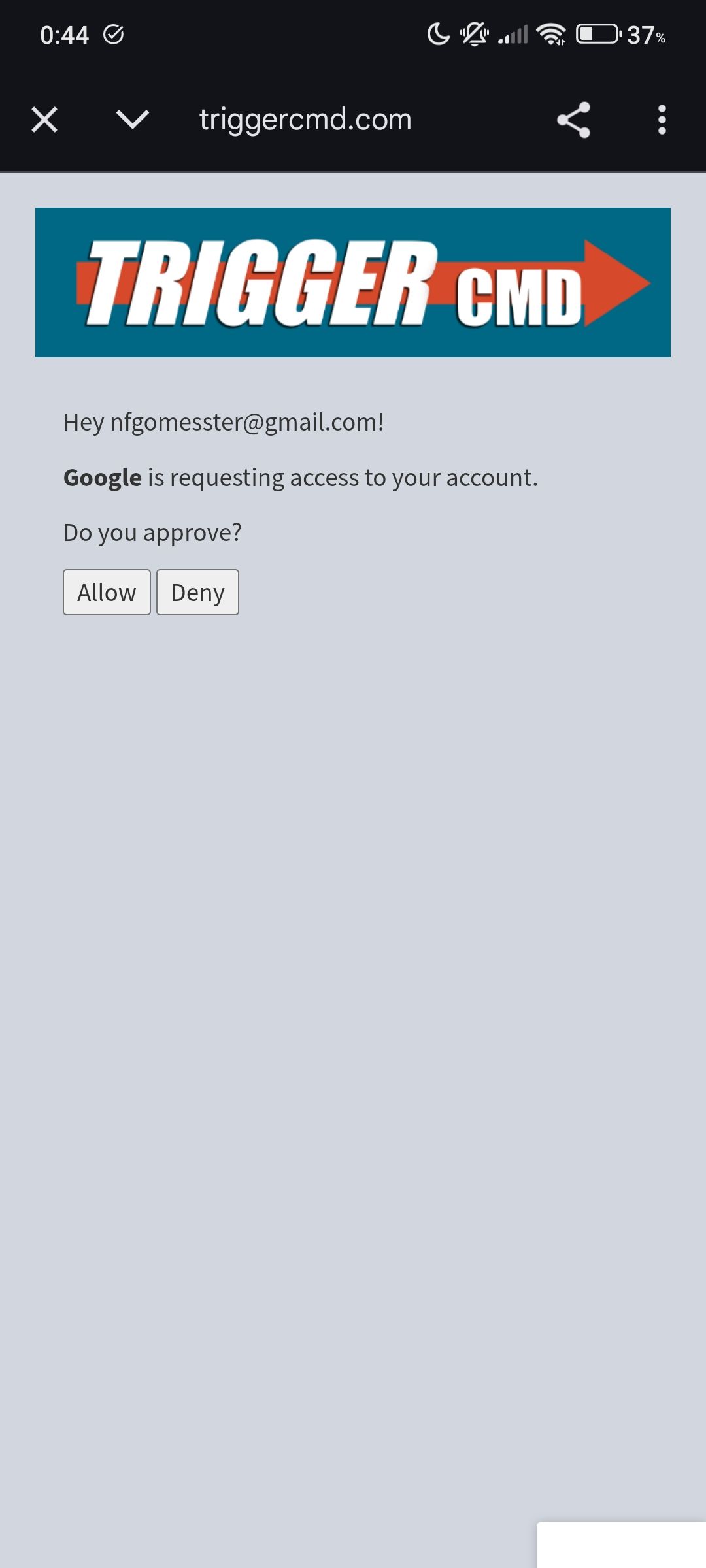
- Login to your TRIGGERcmd account.
- Select Allow
Now test it by saying, "Hey Google, turn on Calculator."
For screenshots, see this post.
-
 R Russ referenced this topic on
-
R Russ pinned this topic on
-
Hi,
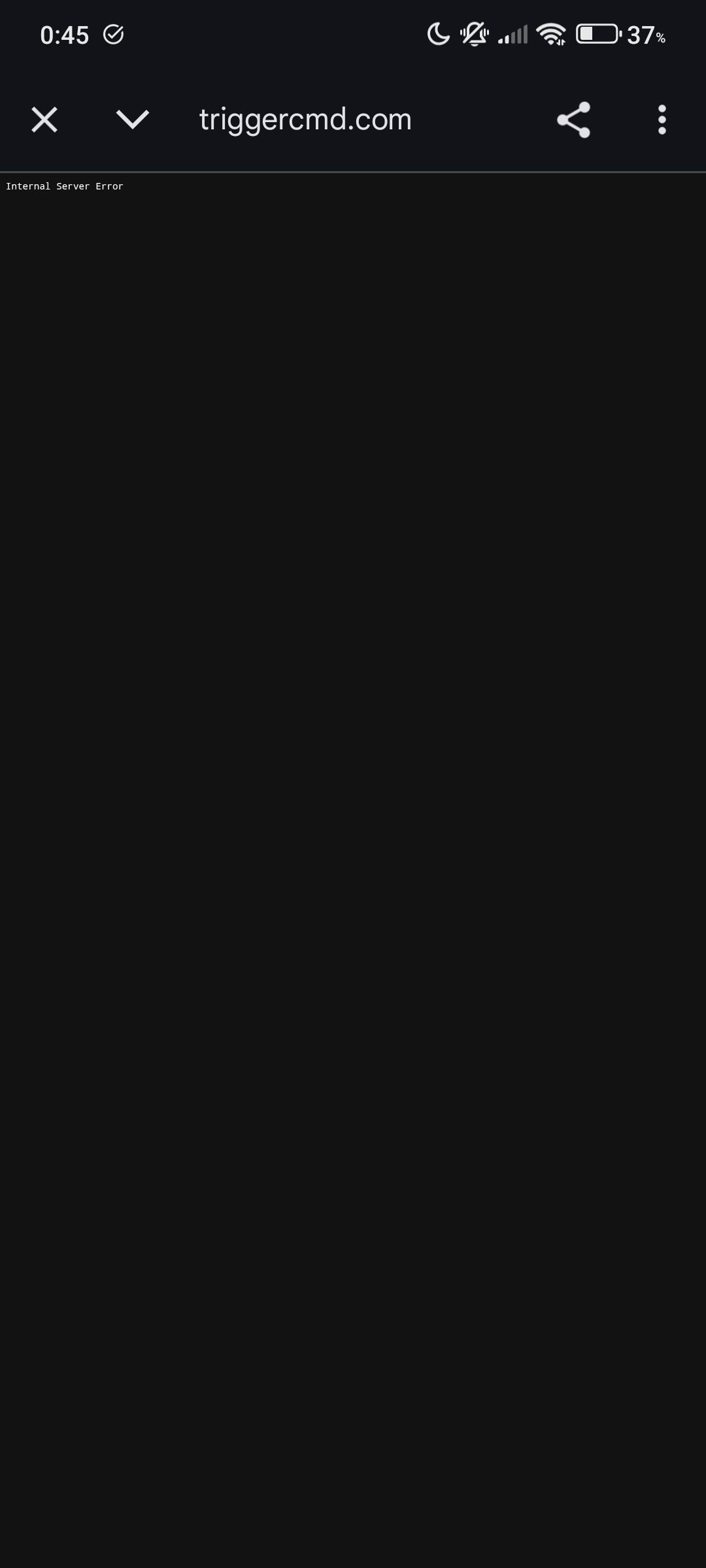
When i select allow, it says "Internal server error".
-
@Nuno-Gomes, thanks for telling me. Please try again. It should work now.
-
@Russ It´s working. Thank You.

Hello! It looks like you're interested in this conversation, but you don't have an account yet.
Getting fed up of having to scroll through the same posts each visit? When you register for an account, you'll always come back to exactly where you were before, and choose to be notified of new replies (either via email, or push notification). You'll also be able to save bookmarks and upvote posts to show your appreciation to other community members.
With your input, this post could be even better 💗
Register Login