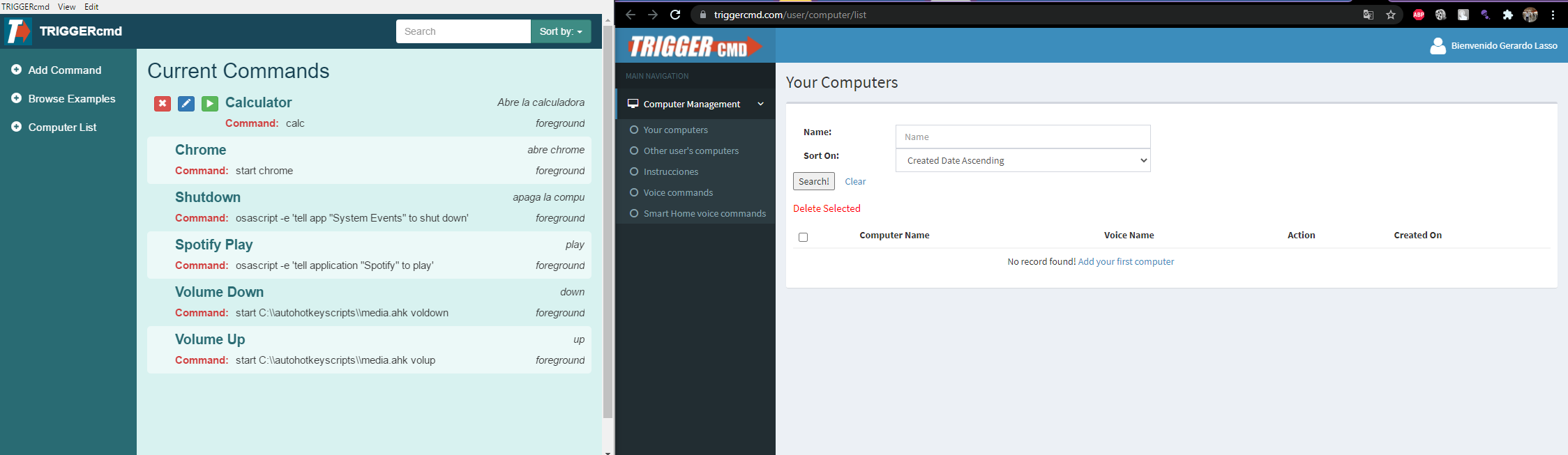
• No aparece mi PC en la lista de computadores

    Moved
    2
    1
    0 Votes
    2 Posts
    695 Views
    RussR
    @Gerardo-Lasso, I think you might have two accounts, and your computer is associated with the other account. You could delete the C:\Users\(your user)\.TRIGGERcmdData\token.tkn file, then close and re-run the TRIGGERcmd Agent. That will prompt for a token again and you can give it a token from this account. That will create the computer record in this account.
  • Reinstalled W10, need to reinstall Trigger cmd

    Moved
    4
    0 Votes
    4 Posts
    1k Views
    RussR
    @Arturo-Gracia-Maqueda, I sent you a message here. Your actual commands are never uploaded to the TRIGGERcmd servers. I consider it a security feature, but I can see how it might be helpful if there was a backup of that commands.json file. I might consider offering an opt-in way to send backups of the commands.json file to the servers.
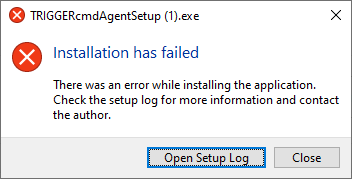
  • Installation has failed

    Moved
    6
    1
    0 Votes
    6 Posts
    3k Views
    RussR
    Oh, sweet @kellanist. I just answered you on the other thread. I'll link that one here.
  • How can I log-out of the Windows App?

    Moved
    2
    0 Votes
    2 Posts
    798 Views
    RussR
    @Elmer-Dogy, you can delete your token.tkn file from your .TRIGGERcmdData folder in your home folder. Your home folder is c:\Users\(your user) on Windows. After you delete that, the next time you run the agent it will prompt you for your token again.
  • 0 Votes
    4 Posts
    1k Views
    RussR
    @José-Rodríguez, I'm sorry, but the only place the commands are stored is in the commands.json file on your computer. There is no copy on TRIGGERcmd servers.
  • Commands don't respond anymore

    Moved
    4
    0 Votes
    4 Posts
    1k Views
    RussR
    @Lucas-Bernardes, awesome. I'm glad that worked.
  • Run batch file

    Moved
    9
    0 Votes
    9 Posts
    9k Views
    RussR
    @Marcos-Vinícius, I've actually never seen that. Can you send a screenshot showing it's offline? One thing you could try is unlink and re-link your TRIGGERcmd account. It's under Home control under the Assistent tab in Assistant settings. My switches look like this: [image: 1597701632583-screenshot_2020-08-17-17-54-12.png]
  • Can't install the Setup

    Moved
    4
    1
    0 Votes
    4 Posts
    1k Views
    LennartL
    Ok thank you
  • Installed agent on Rasberry Pi, broke Windows installation

    Moved
    9
    0 Votes
    9 Posts
    3k Views
    Steve PorterS
    Multiple times, after a fresh install of Pi. I just don't get it. I'll keep digging, thanks Russ.
  • Windows 10 32 bits cant Install

    Moved
    5
    0 Votes
    5 Posts
    2k Views
    RussR
    @Royher-Figuera, can you try this? Delete the computer from your TRIGGERcmd account. Move the C:\Users\Royher\.TRIGGERcmdData folder to c:\TRIGGERcmd Make sure C:\Users\Royher\.TRIGGERcmdData does not exist. The agent will re-create it. Then send me the output of this command: node C:\TRIGGERcmd\agent --console
  • Cant Install Triggercmd Notebook - Squirrelsetup

    Moved
    14
    0 Votes
    14 Posts
    4k Views
    RussR
    @André-Ricardo-da-Costa, thanks for confirming you're using 32bit Windows. That explains why you can't use the normal installer. Are those spaces actually in your commands.json file? I can tell from that output that there's some invalid json in your commands.json file. That's why the agent is trying to restore your backup commands.json. If you're adding the spaces because this forum software changes your text, you can show me your exact text by putting 3 back-ticks before and after your text: ``` That's what I did here: [ { "trigger": "Calculator", "command": "calc", "ground": "foreground", "voice": "calculator" }, { "trigger": "Zoom", "command": "C:\\Users\\MY TV\\AppData\\Roaming\\Zoom\\bin\\Zoom.exe", "ground": "foreground", "voice": "zoom", "voiceReply": "", "allowParams": "false" } ] I think the above commands.json should work for you. Please try using only that text in your commands.json.
  • How do you run an application from Trigger CMD on my laptop

    Moved
    5
    0 Votes
    5 Posts
    3k Views
    M
    Thank you so much! I've been at this for a while now
  • agente de windows en el sign in no funciona

    Moved
    4
    0 Votes
    4 Posts
    2k Views
    RussR
    @alvaro-gutierrez-romero, are you in Spain? @gabi92a is having the same problem and he's in Spain. I don't know yet if it's the location or something about spanish Windows computers. @gabi92a is a developer in Barcelona, so I'm hoping he can help me figure this out. You can see our progress here: https://www.triggercmd.com/forum/topic/461/unable-to-access-to-the-aplication/13