New SmartThings integration (2023)


-
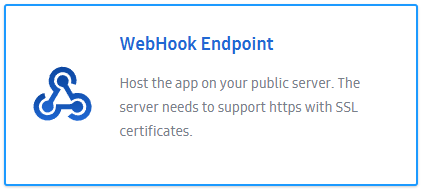
Well I got the app created in SmartThings developer and see it in my app. But I still get no devices. I DO see the devices in my Google Home app and it works via that, and I have GH connected to ST. But the devices don’t come through. I do have voice triggers as well, and set the PC to have a voice trigger as well.
Edit: I deleted and readded TriggerCMD and got an “internal server error” and then it continued to add but said no devices were available
-
Edit2: now when I do it again I get “discovery request failed”
-
@Irfan-Khan-0, I just tested it an it's working for me.
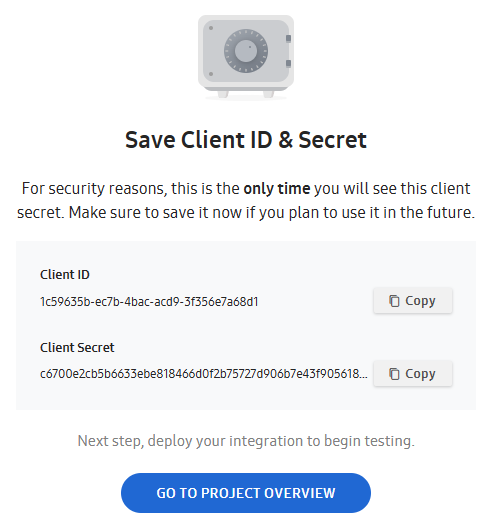
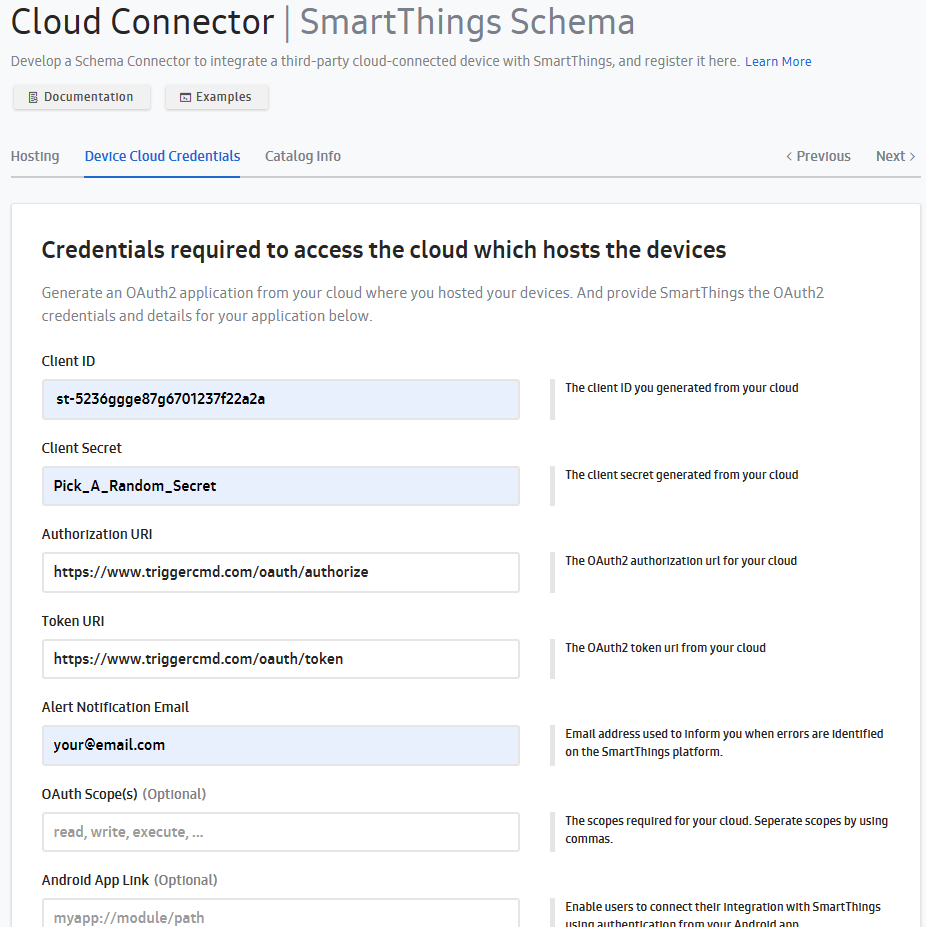
Could you try clicking the "Regenerate" button to regenerate the Client ID and Client Secret under App credentials, then copy/paste those into your user profile?
And make sure the "SmartThings Device Cloud Credentials Client ID" values (starts with st-) and the "SmartThings Device Cloud Credentials Client Secret" value match those values under App Details?
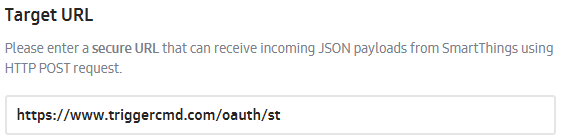
If those 4 values match, and you have these URL's setup, it should work:
Authorization URI: https://www.triggercmd.com/oauth/authorize
Token URI: https://www.triggercmd.com/oauth/token -
hi, i just changed my pc and i messed up everything so i deleted triggercmd from smartthing, but now i can't install it anymore. This link https://developer.smartthings.com/workspace/projects/new won't make me create a new project but send me to an other page.
-
@Cristian-Dindinelli said in New SmartThings integration (2023):
hi, i just changed my pc and i messed up everything so i deleted triggercmd from smartthing, but now i can't install it anymore. This link https://developer.smartthings.com/workspace/projects/new won't make me create a new project but send me to an other page.
After some extra step, I could connect to smartthing, but only devices with "voice" command are shared, any advice?



Hello! It looks like you're interested in this conversation, but you don't have an account yet.
Getting fed up of having to scroll through the same posts each visit? When you register for an account, you'll always come back to exactly where you were before, and choose to be notified of new replies (either via email, or push notification). You'll also be able to save bookmarks and upvote posts to show your appreciation to other community members.
With your input, this post could be even better 💗
Register Login