• Alexa is not finding devices (mac pc)

    General Discussion
    4
    6
    0 Votes
    4 Posts
    622 Views
    RussR
    @Emanuel-MAIA, awesome!
  • problemas al ejecutar trigger

    General Discussion
    2
    0 Votes
    2 Posts
    455 Views
    RussR
    @Luz, the agent should prompt for a token the first time you run it. You could try closing and re-running the TRIGGERcmd agent. [image: 1688955851454-5d9e7eab-855c-40e1-aefe-58aaa65b66af-image.png] If that doesn't work, you could try: close the agent, delete your C:\Users\(your user)\.TRIGGERcmdData folder, and open it again.
  • Shell script not running via Alexa

    General Discussion
    2
    0 Votes
    2 Posts
    426 Views
    RussR
    @José-Pábulo, please try switching the command from background to foreground, or vice versa. The GUI Editor will run both types of commands, but the foreground agent won't run background commands, and vice versa. Did you install the background agent?
  • 0 Votes
    4 Posts
    966 Views
    RussR
    @HeeHang, good. Can I ask what computer name you gave it when it failed? I wonder if there was a special character in it or something that I didn't test for.
  • Alexa Skill not available in the UK?

    General Discussion
    10
    0 Votes
    10 Posts
    7k Views
    RussR
    @Zubairsk, where did you get that text? Do you live in the UK and got that somehow when you tried to find the TRIGGERcmd skill?
  • Error al pedir rutina con google nest mini

    General Discussion
    2
    0 Votes
    2 Posts
    684 Views
    RussR
    @Cristian-Garcia, I'm glad you asked. Google deprecated conversational actions like the original TRIGGERcmd (and Execute Comando) Google Assistant actions. So on Google Home devices, please enable the TRIGGERcmd Smart Home action. It works better anyway. It creates a smart home device for each command, and because Google has a list of those devices ahead of time, it does a better job of matching your words to your commands. Instead of, "Hey Google, ask TRIGGERcmd to run Calculator" you'll say, "Hey Google, turn on Calculator".
  • Ejecuta comando ya no esta disponible

    General Discussion
    2
    0 Votes
    2 Posts
    775 Views
    RussR
    @Oscar-Alvarado, I'm glad you asked. Google deprecated conversational actions like the original TRIGGERcmd (and Execute Comando) Google Assistant actions. So on Google Home devices, please enable the TRIGGERcmd Smart Home action. It works better anyway. It creates a smart home device for each command, and because Google has a list of those devices ahead of time, it does a better job of matching your words to your commands. Instead of, "Hey Google, ask TRIGGERcmd to run Calculator" you'll say, "Hey Google, turn on Calculator".
  • issues with Starting a batch

    General Discussion
    4
    1
    0 Votes
    4 Posts
    581 Views
    RussR
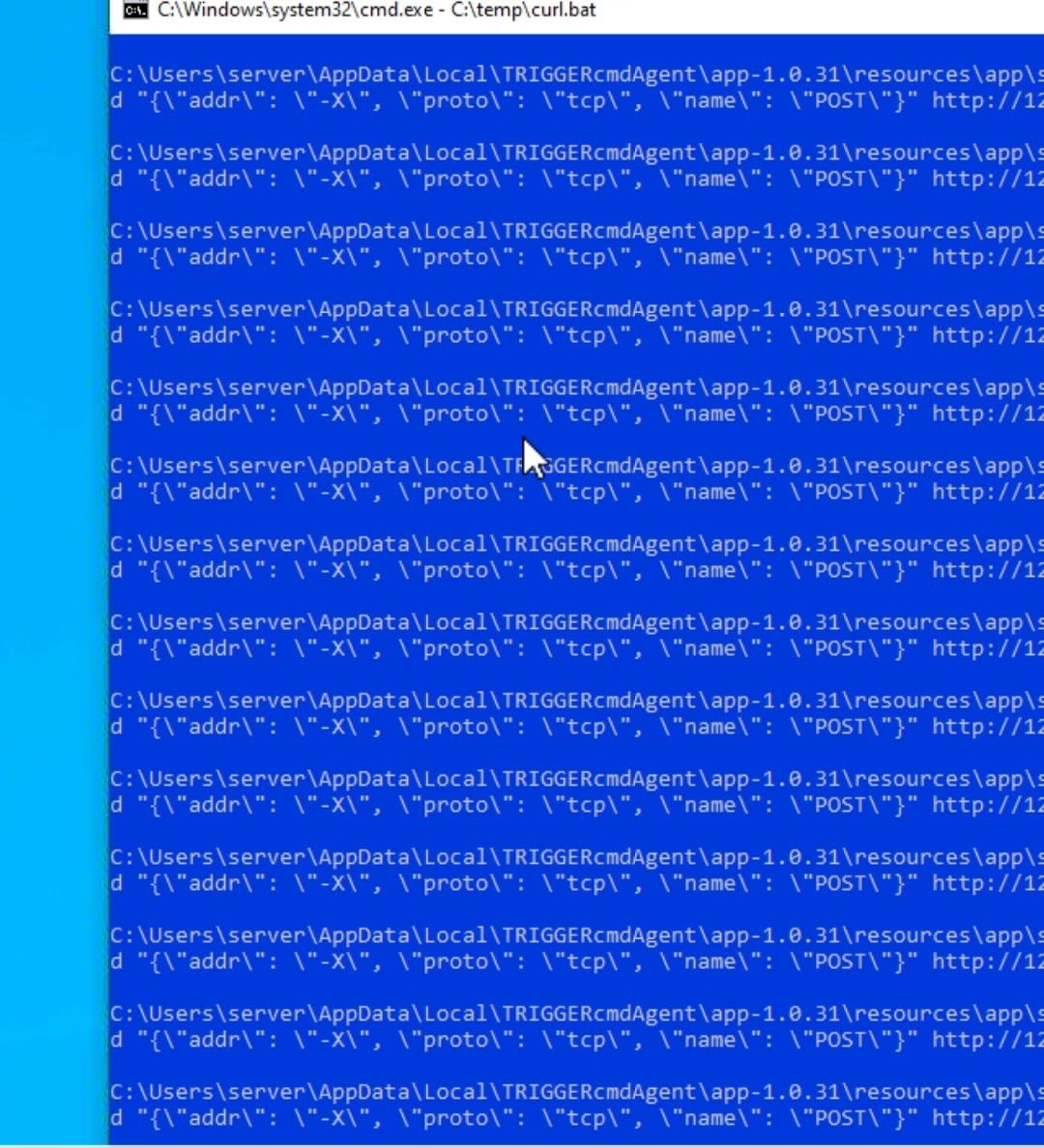
    @Kristopher-Adams, you could try renaming your curl.bat file. I suspect it might be running itself because the command in the script is curl.
  • run a key press simulation

    General Discussion
    7
    0 Votes
    7 Posts
    2k Views
    RussR
    @fmaick93, please try this command (no space in sendkeypress): nircmd sendkeypress f1
  • Nircmd muteappvolume error

    General Discussion
    2
    0 Votes
    2 Posts
    1k Views
    Ro SilvaR
    Solved, I used WinGet (Auto Hot Key). Code Working: Browser_Home:: WinGet, pid, PID, ahk_exe SolarlandClient-Win64-Shipping.exe run, C:\tools\nircmd.exe muteappvolume /%pid% 2 return
  • 0 Votes
    2 Posts
    613 Views
    S
    @Zubairsk What do you do with this machine? What gen is your Ryzen?
  • Tasker text to be read by Alexa

    General Discussion
    10
    0 Votes
    10 Posts
    3k Views
    RussR
    @Red-Sufi awesome. Good job.
  • 0 Votes
    7 Posts
    2k Views
    RussR
    @Fernando-Mateos, Google is removing all conversational actions, so you should use the TRIGGERcmd Smart Home action instead. It works much better anyways. It simulates an on/off switch, so you just say "Hey Google, turn on calculator".
  • 1 Votes
    3 Posts
    690 Views
    RussR
    @kanashi横維, are you hoping there's a way to hide this TRIGGERcmd tray icon? [image: 1683326914357-cceeb91a-5425-4f60-907a-4a844fa81bfc-image.png] Sorry, there's no way to hide it. EDIT: Actually, you could install the background service, then prevent the TRIGGERcmd Agent shortcut from executing when you login. If you do that, you'll need to manually run it to get to the GUI Editor for commands.json. To prevent the TRIGGERcmd Agent shortcut from running (the "foreground" agent), you would remove it from your Startup folder. Press Windows-R and paste in shell:startup and click OK. [image: 1683396832623-01b43a7b-16a5-43dd-bdcd-d640262719a2-image.png] Then delete the shortcut or move it out of the Startup folder. [image: 1683396903138-dc9c70a4-5361-4525-b567-55b972d0f33a-image.png]
  • Alexa doesn't find the commands

    General Discussion
    36
    0 Votes
    36 Posts
    18k Views
    RussR
    @Eduardo-Henrique, I tried all of those characters and I could not get it to break. So maybe that was not the problem. Can you send me the computer name you were using when it wasn't working?
  • Problema no programa

    General Discussion
    4
    1
    0 Votes
    4 Posts
    653 Views
    RussR
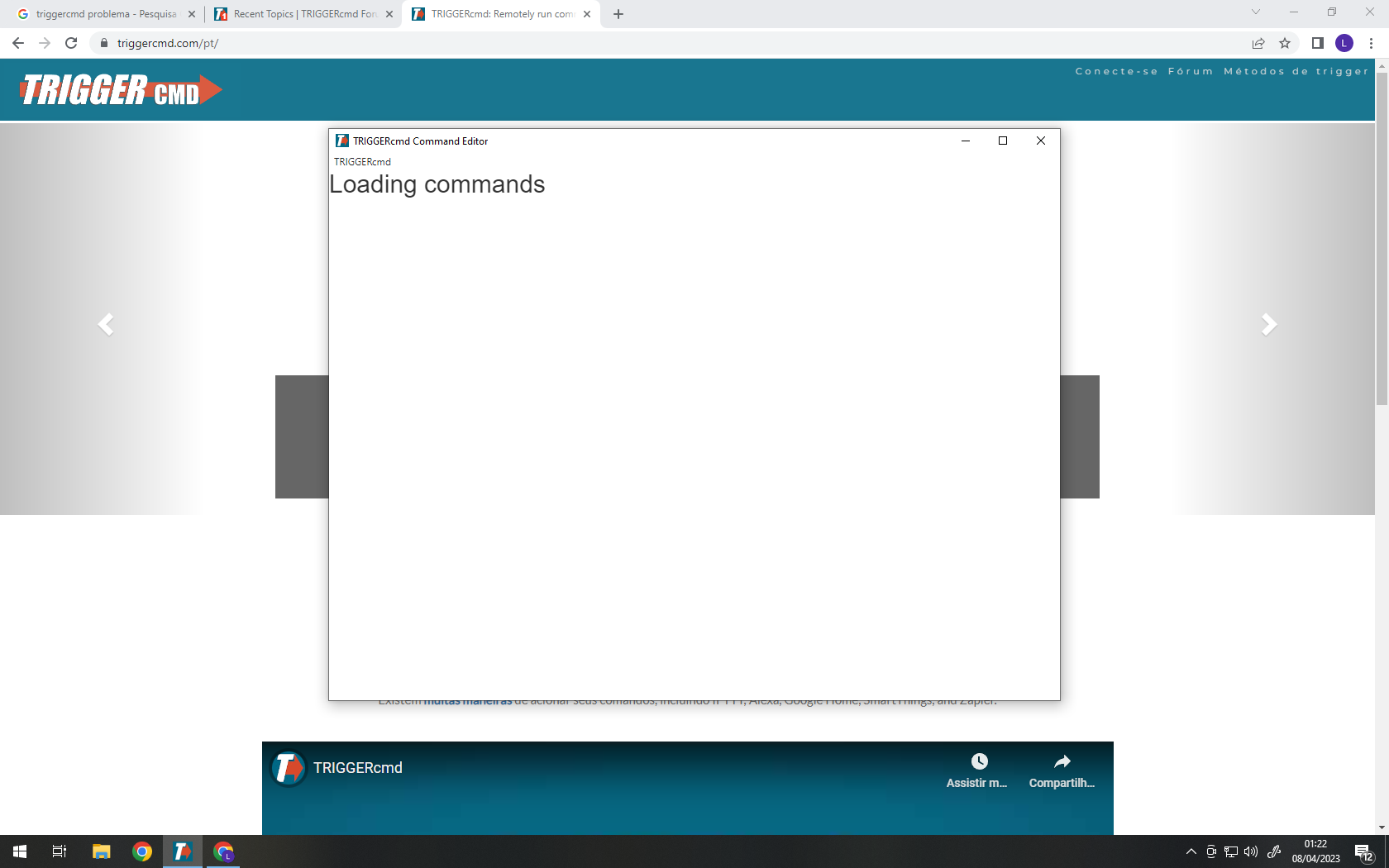
    @Lucas-Eduardo-0, a re-installing won't help because the problem is in your data files which persist when you uninstall. Will you please paste the contents of this file here? c:\Users\(your user)\.TRIGGERcmdData\commands.json The corruption might be in that file. Or, if you want, you could try a complete reset with this steps: Close the TRIGGERcmd agent Rename the c:\Users\(your user)\.TRIGGERcmdData folder. Delete the computer in your TRIGGERcmd account. Open the TRIGGERcmd agent. Copy/paste your token from the Instructions page into the prompt.
  • 0 Votes
    4 Posts
    676 Views
    RussR
    @Favored-live-Tech, you're welcome.
  • el to ke

    General Discussion
    2
    0 Votes
    2 Posts
    371 Views
    RussR
    @juan said in el to ke: el to ke medise que tengo que sucrivime por que tengo otra pc y tengo una haber si puede alludarme gracia Hi. To add a second computer to your account, you have to be subscribed. The subscription costs $19.95 per year. You can subscribe from the Instructions page.
  • Intermittent results

    General Discussion
    10
    0 Votes
    10 Posts
    2k Views
    tuicemenT
    @karnold69 I stopped using windows for my X10 control some time ago. But prior to that I know I had disabled windows driver updates and that solved issues with windows updates for me. Another option is to use software for X10 that doesn't use X10WTI CM15A drivers. Things that use Mochad or Mochad itself, or HomeGenie that has it's own drivers(which I use)
  • 0 Votes
    2 Posts
    681 Views
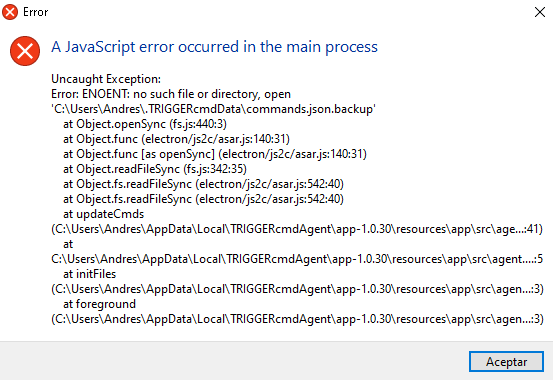
    RussR
    @Ruben-Ortiz, can you look for this path instead? C:\Users\Andres\.TRIGGERcmdData That's the path I see in your screenshot. Your username is Andres (not trent), so that's the path instead.