TRIGGERcmd
    • Categories
    • Recent
    • Tags
    • Popular
    • Users
    • Groups
    • Search
    • Register
    • Login
    1. Home
    2. Instructions
    3. Mac
    Log in to post
    Load new posts
    • Recently Replied
    • Recently Created
    • Most Posts
    • Most Votes
    • Most Views
    • Ignacio CharroI

      How to introduce TOKEN into a MAC computer

      Watching Ignoring Scheduled Pinned Locked Moved
      2
      0 Votes
      2 Posts
      1k Views
      RussR
      @Ignacio-Charro, you can select the token and copy it with Cmd + C, and paste it with Cmd + V. The Cmd button looks like this.
    • M

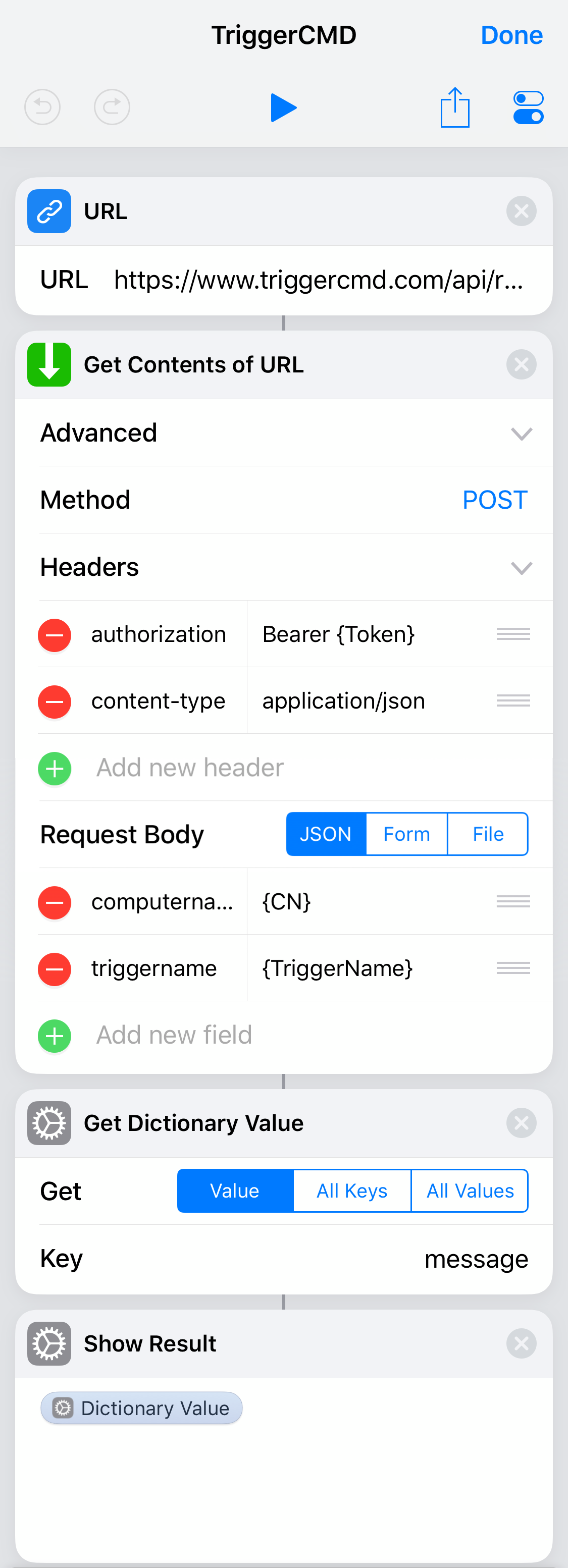
      Trigger from Shortcuts (iOS)

      Watching Ignoring Scheduled Pinned Locked Moved ios siri shortcuts
      4
      1
      0 Votes
      4 Posts
      3k Views
      kellanistK
      This is fantastic! Good to know!